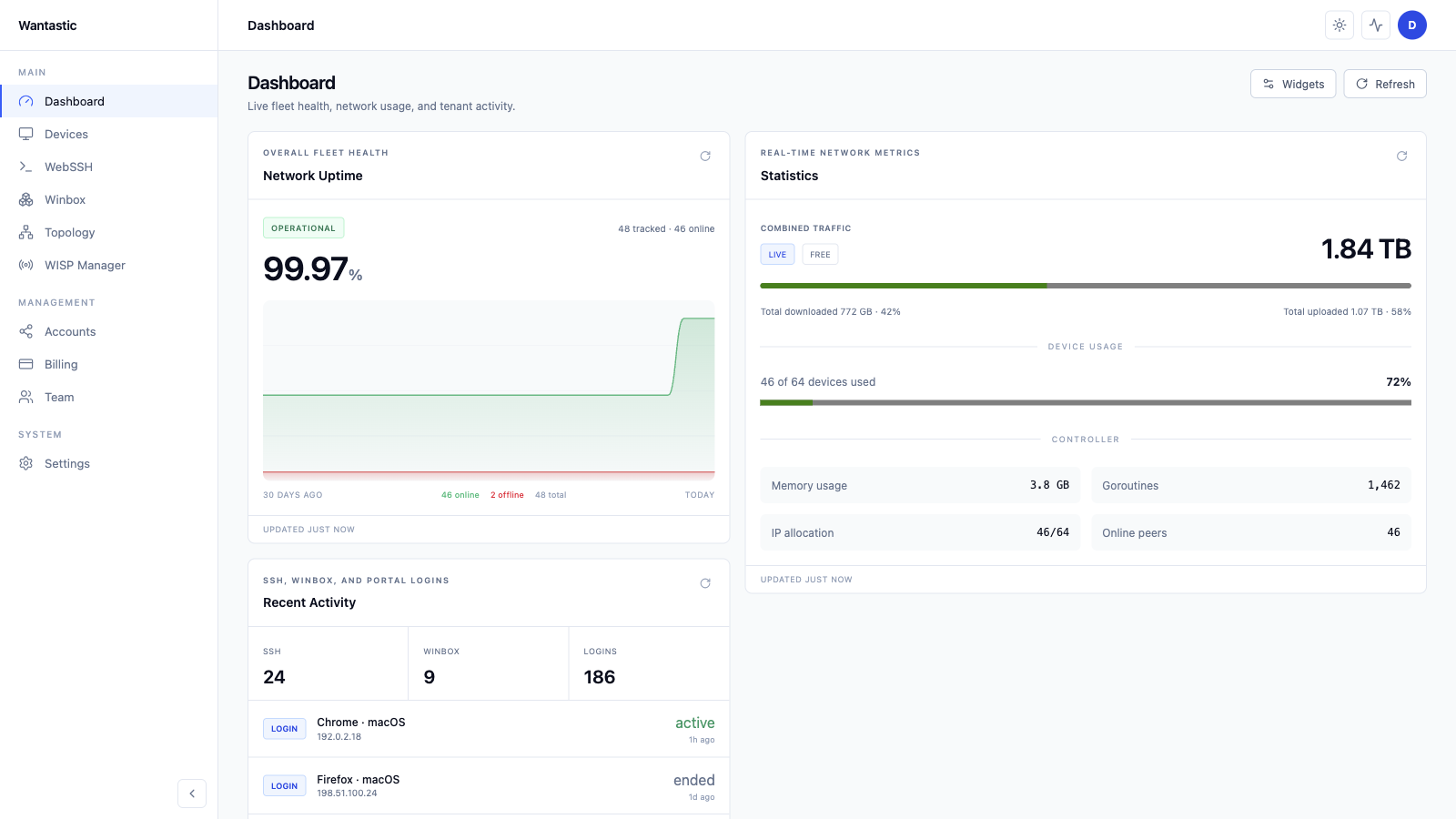
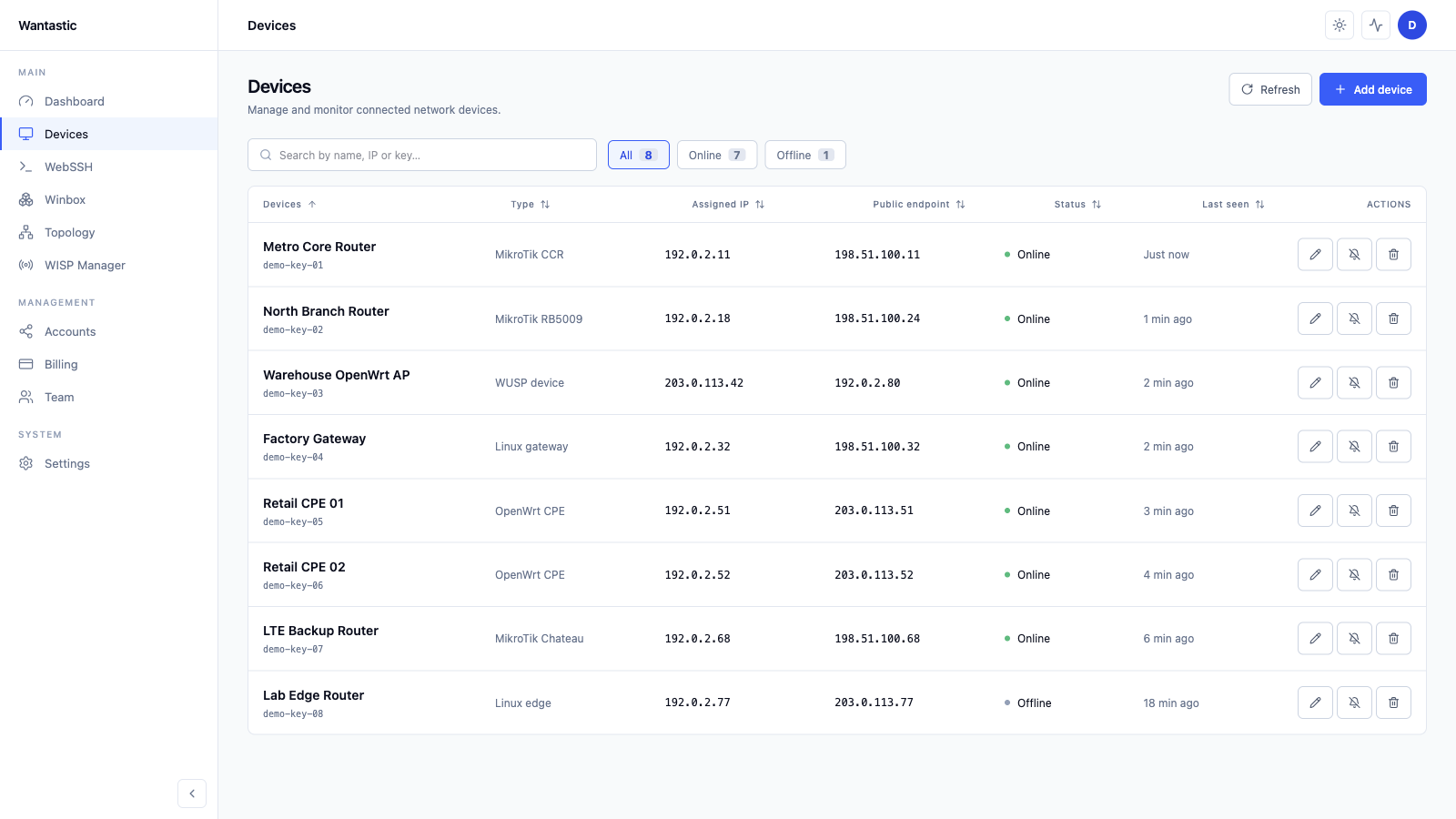
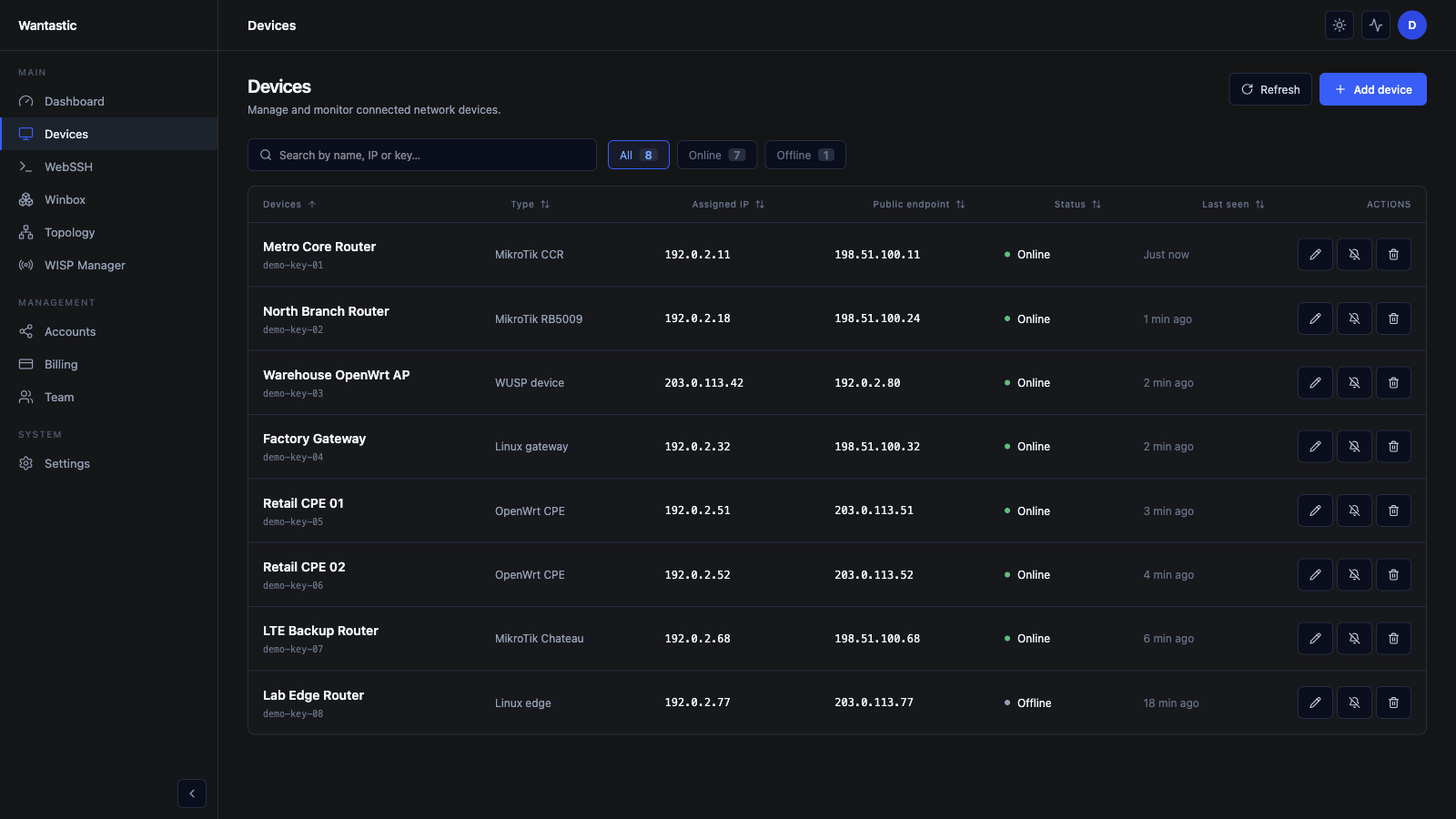
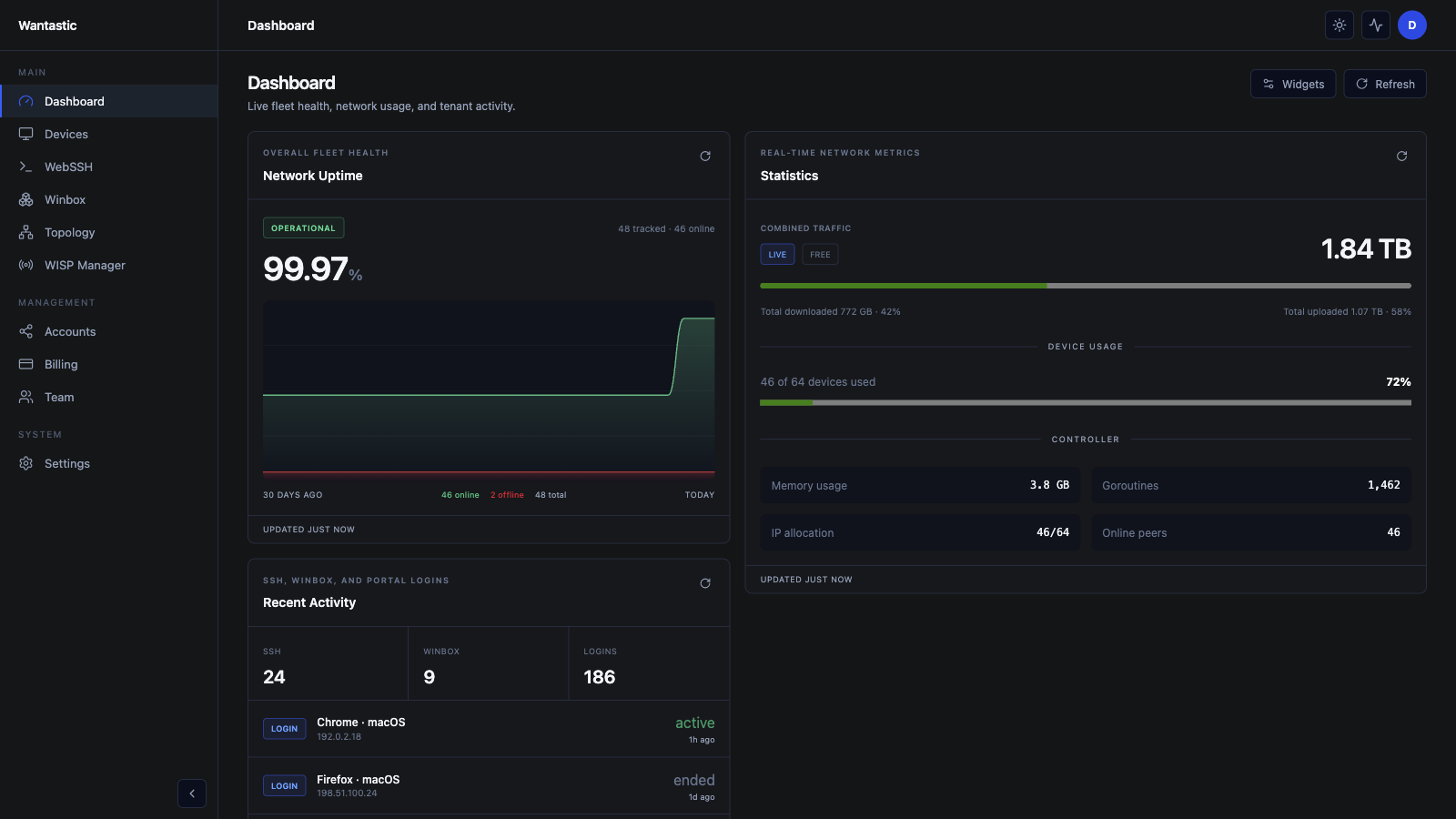
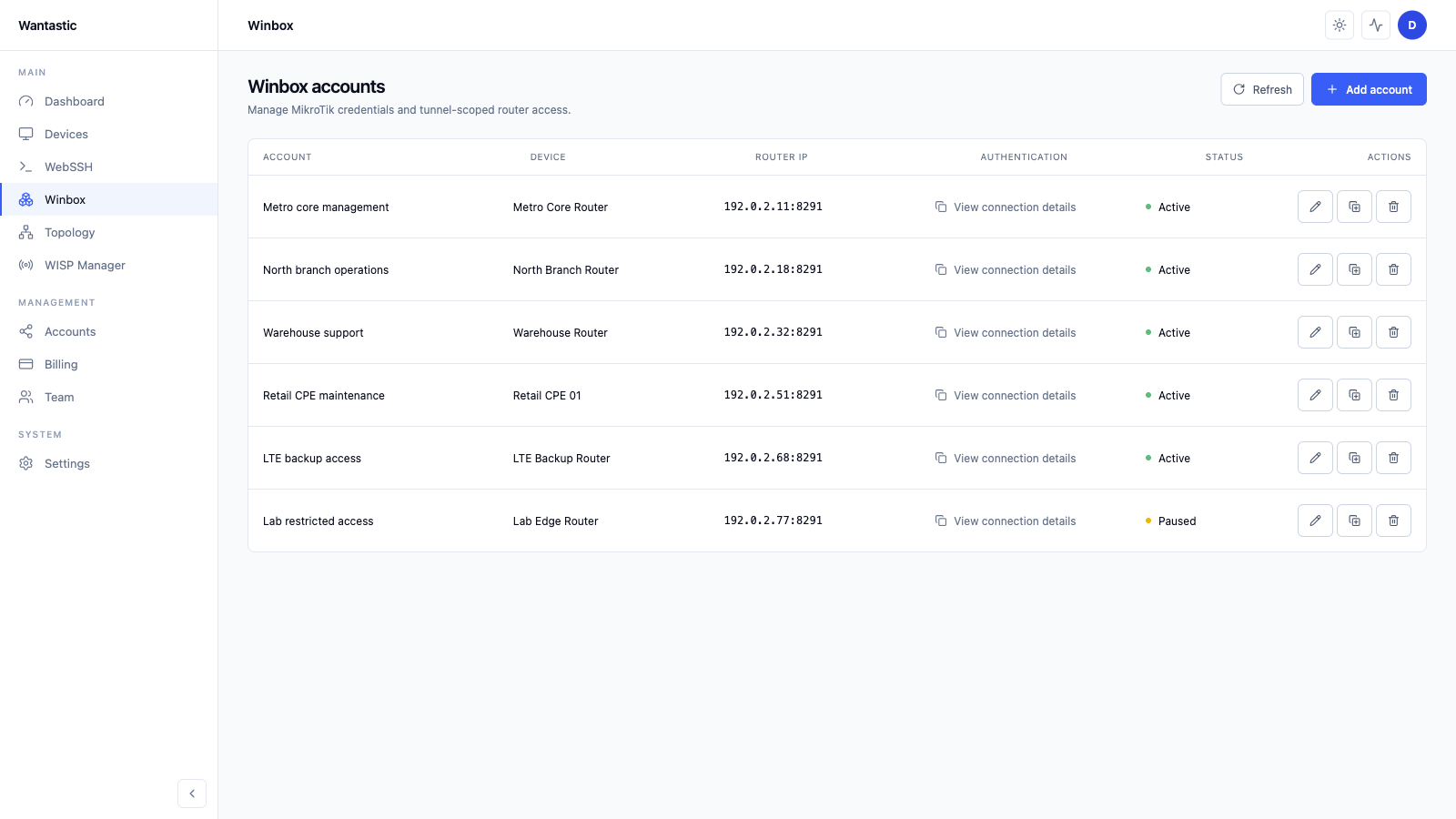
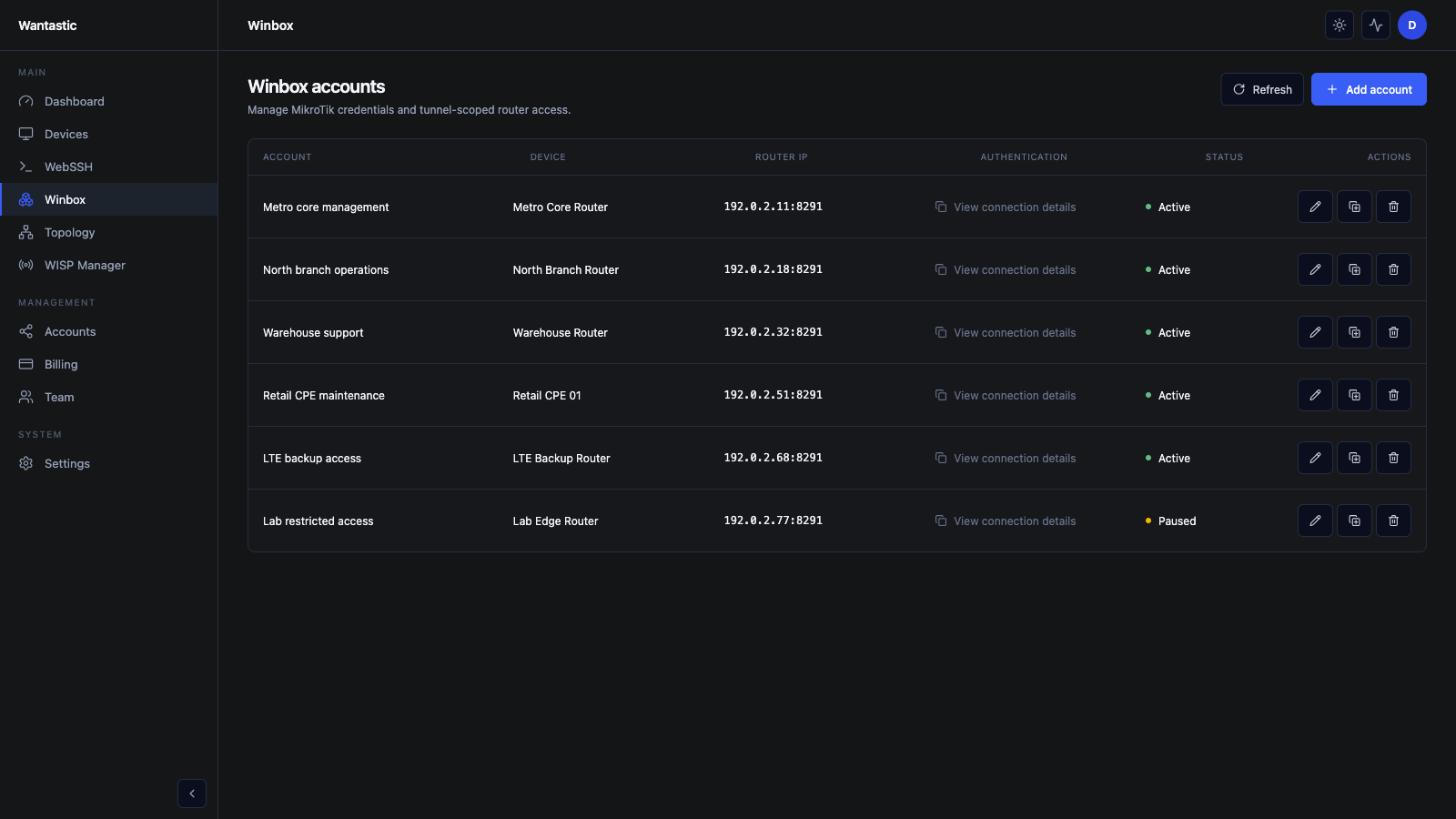
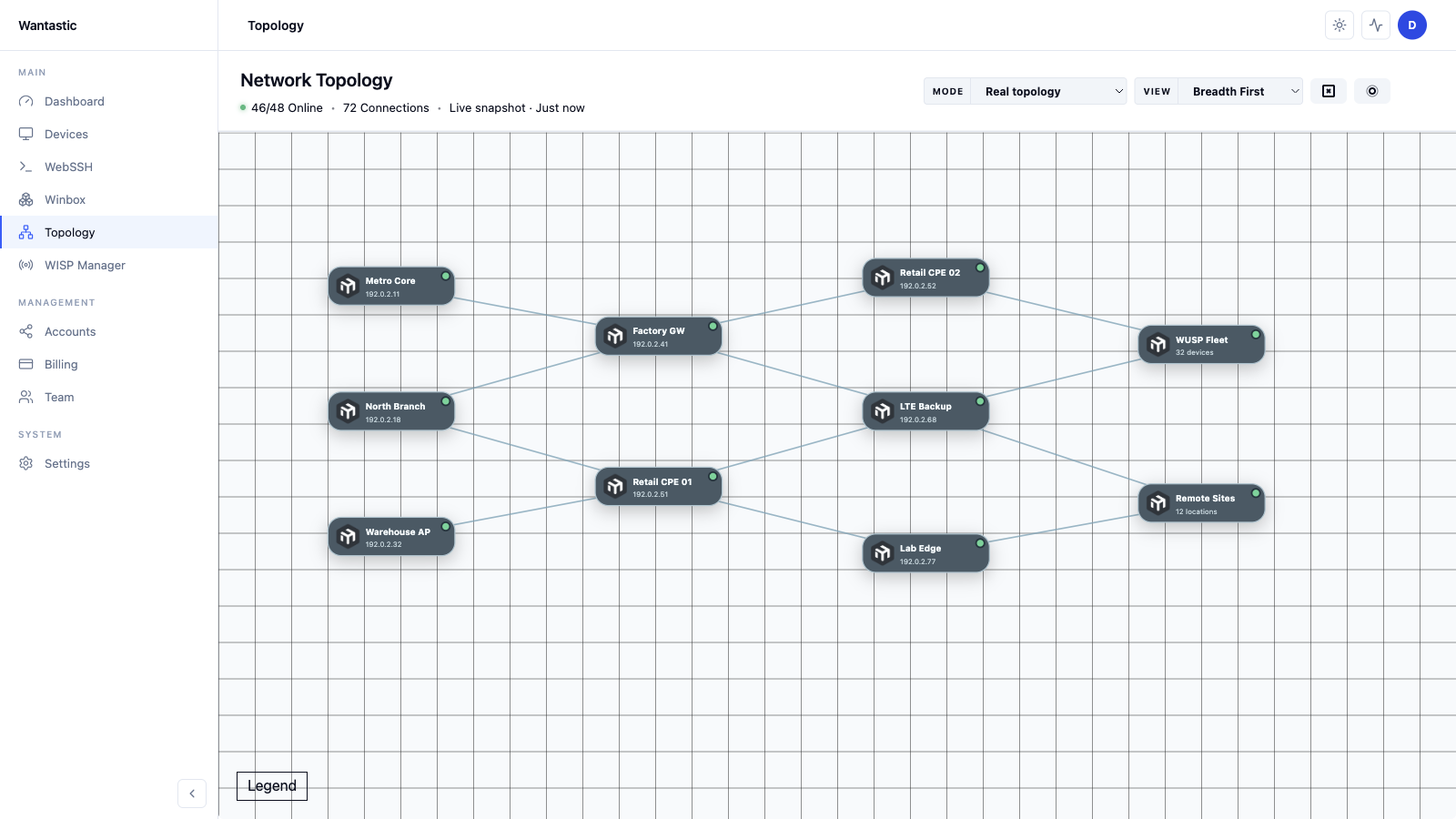
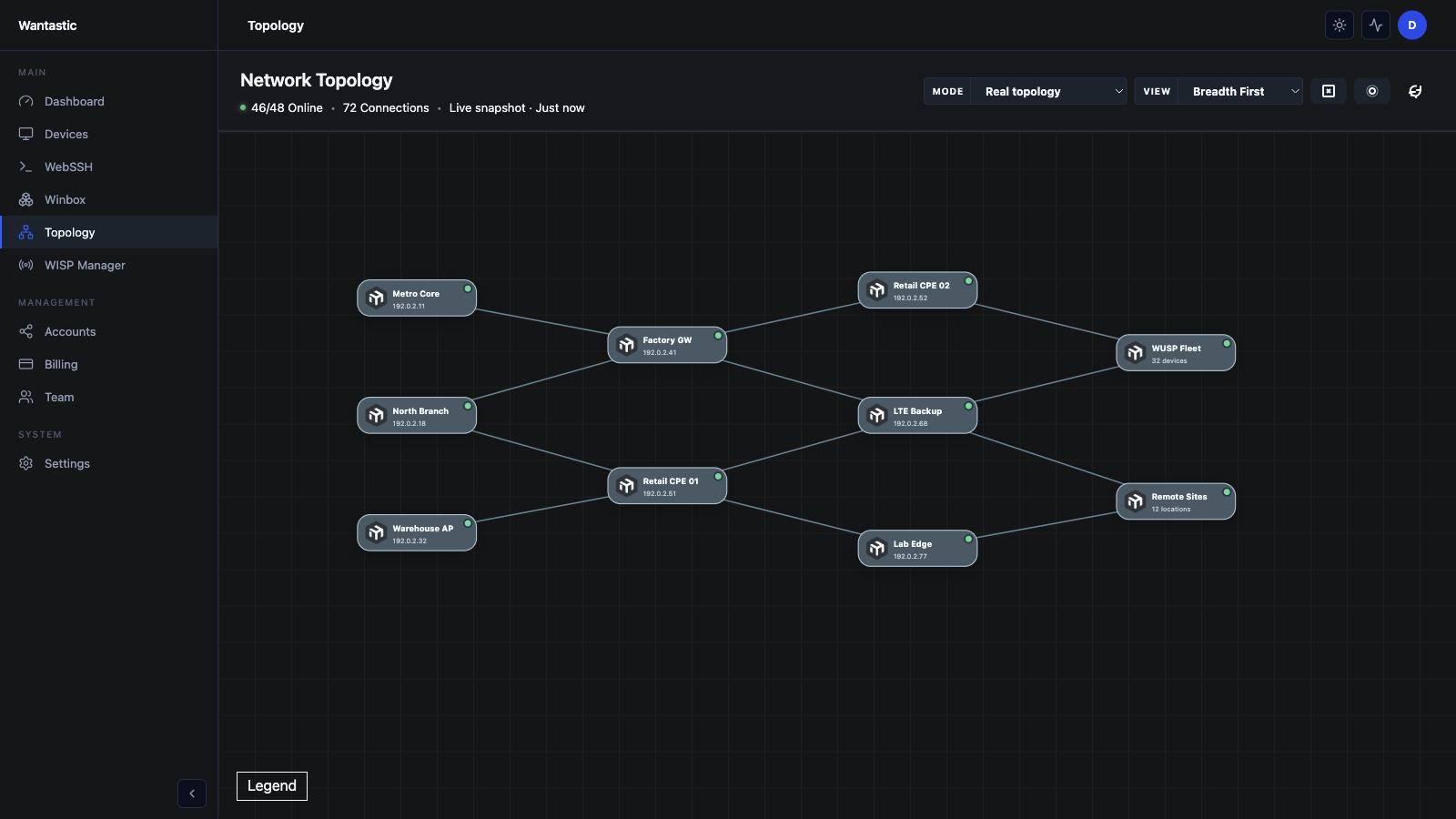
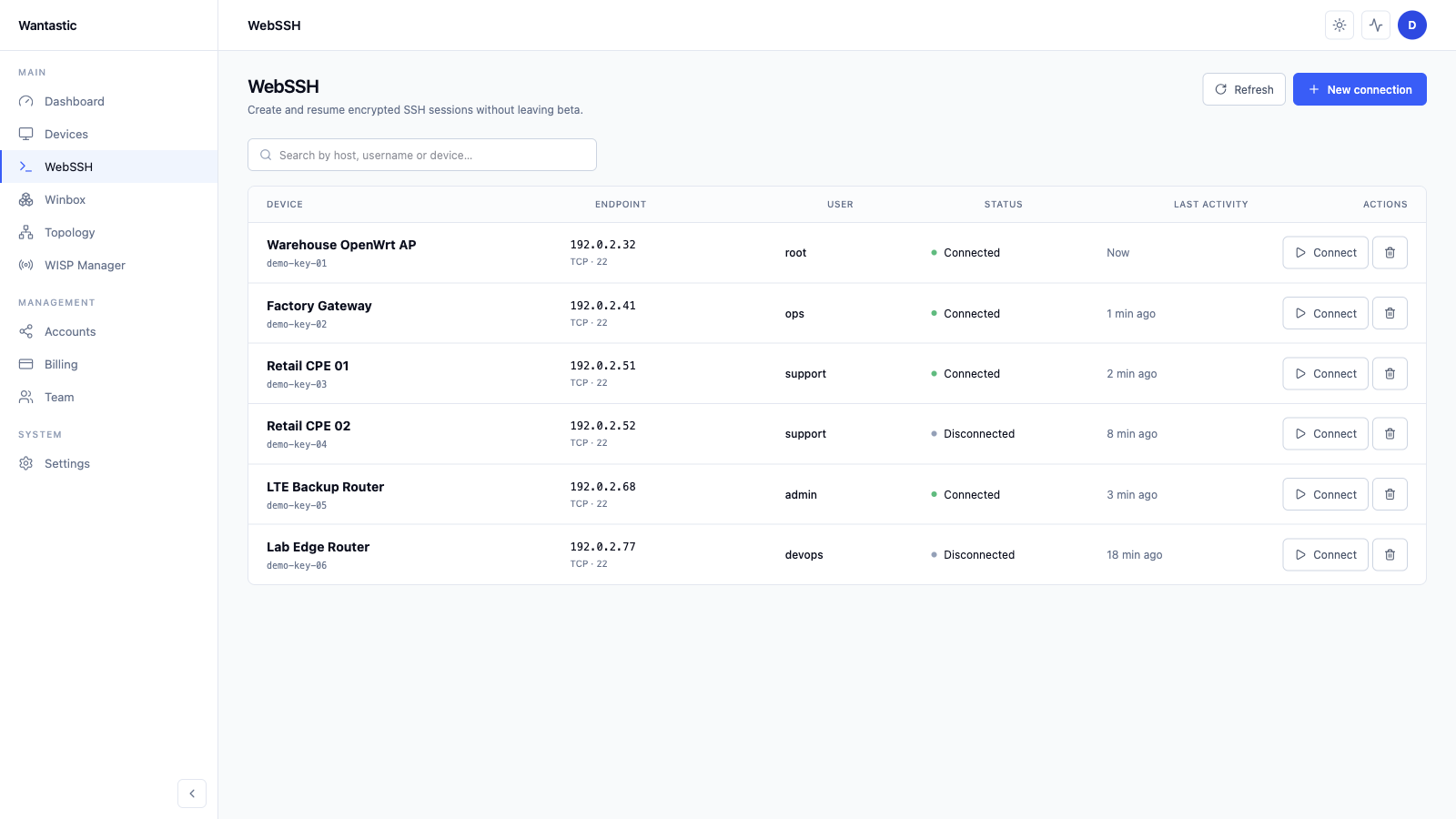
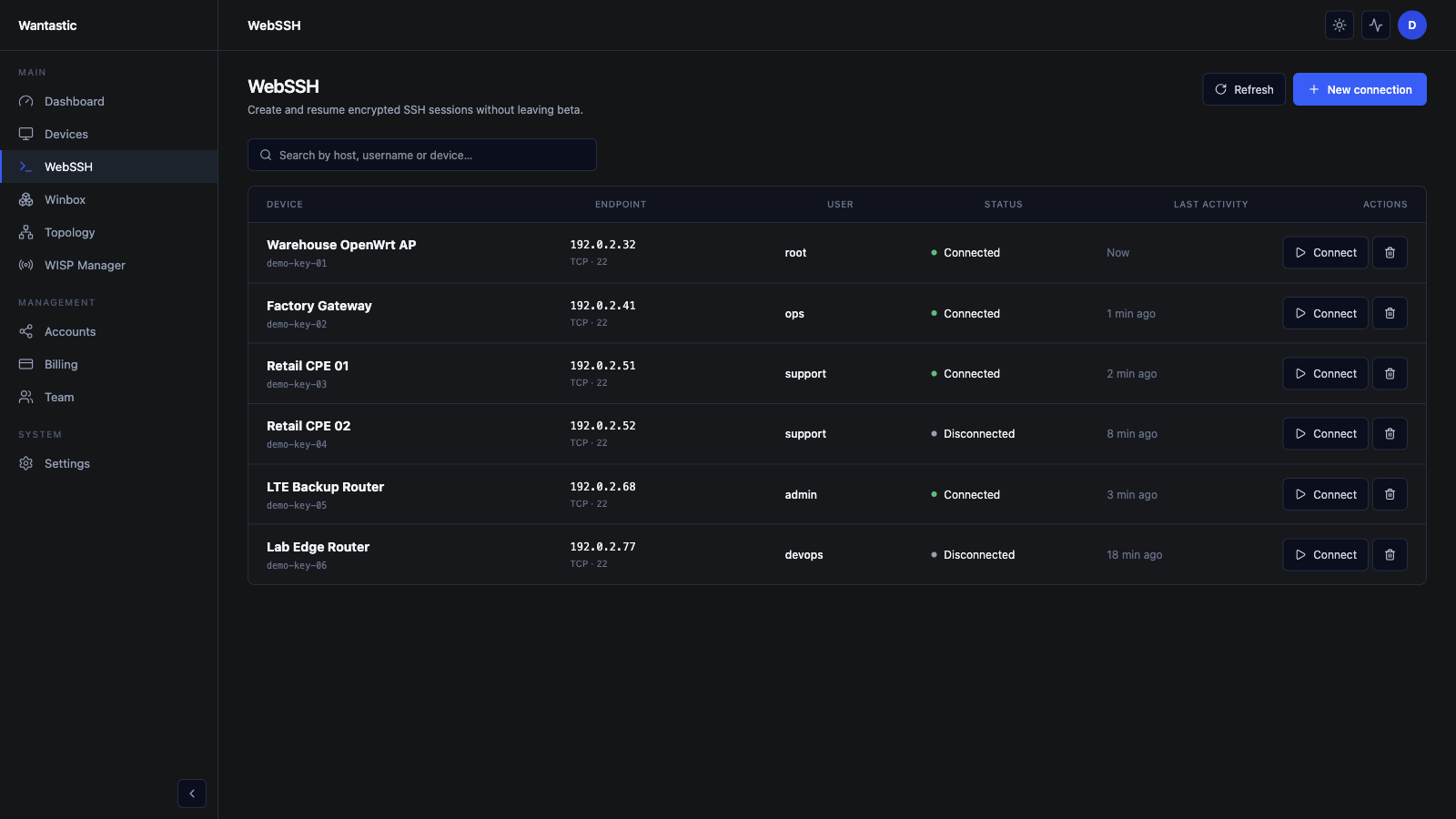
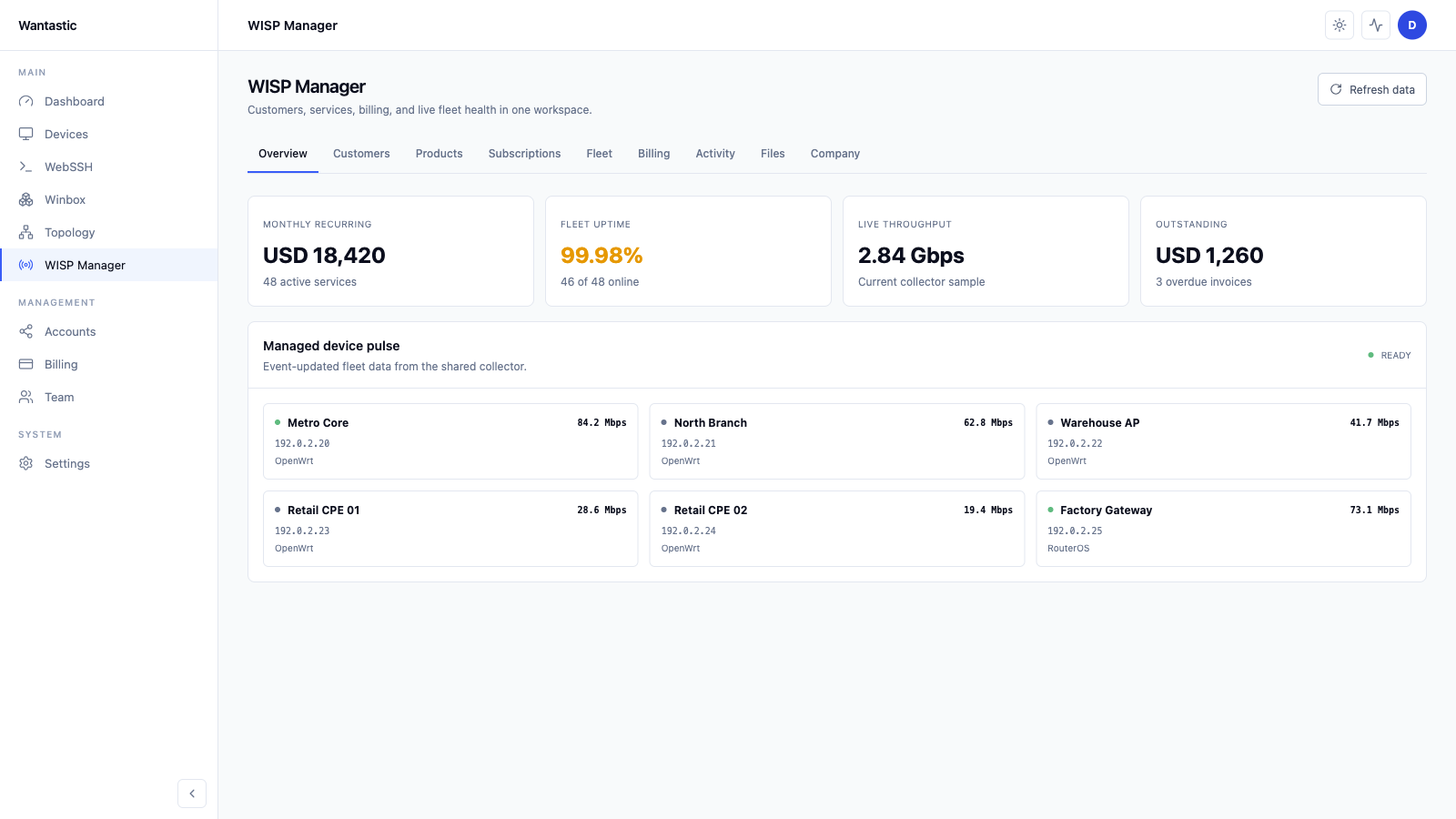
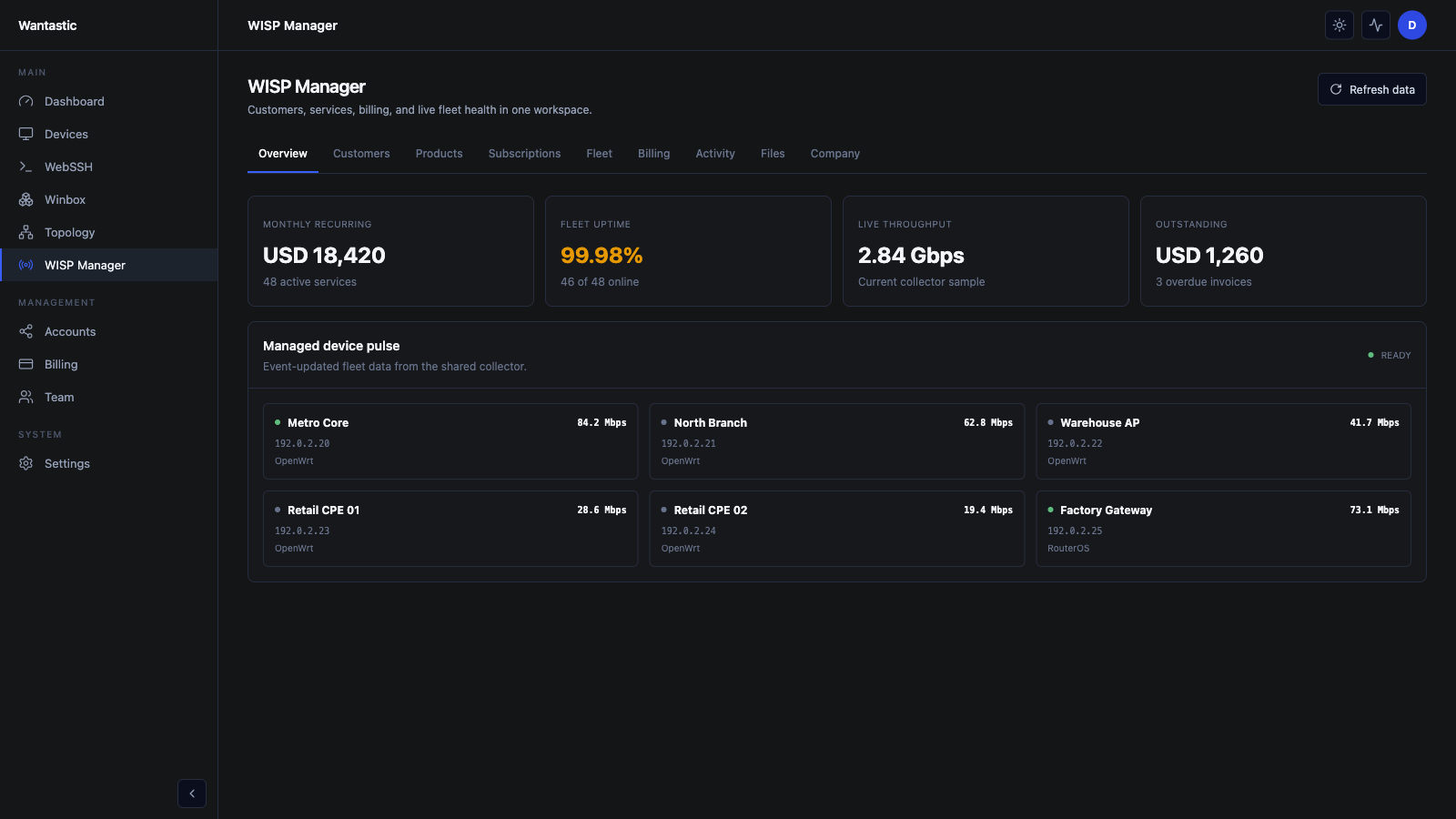
Wantastic هي لوحة تحكم سحابية مركزية لإدارة WireGuard، توفر وصولاً آمناً عن بُعد عبر Winbox إلى أجهزة توجيه MikroTik وأجهزة OpenWrt الموجودة خلف جدران الحماية وشبكات Starlink.
Wantastic helps network operators manage MikroTik RouterOS devices that sit behind CGNAT, LTE, Starlink, customer firewalls, or dynamic residential ISP links. Instead of exposing Winbox port 8291 or maintaining a separate VPN server for every site, Wantastic gives teams managed remote Winbox access for MikroTik/RouterOS devices and uses secure WireGuard overlays for Linux, Windows, Android, OpenWrt, and other supported endpoints.
Remote Winbox Access Without Port Forwarding
Remote Winbox access should not require a public IP address, inbound firewall rules, shared admin passwords, or a jump server. Wantastic creates controlled Winbox endpoints for MikroTik routers, supports team access, and keeps operations auditable from the cloud management console.
OpenWrt, Linux, Windows, Android and Embedded Device Overlay
The open-source wantasticd agent connects OpenWrt, Linux, Raspberry Pi, containers, Android, macOS and Windows systems to the same management mesh. It is designed for heterogeneous fleets where routers, servers, customer-premises equipment, and embedded devices need secure remote access from one operational workflow.
Open-Source WireGuard Mesh and Self-Hosted Portal
WantasticCore is the open-source self-hosted WireGuard mesh and browser admin portal for teams that need to own the control plane. It combines device onboarding, browser management tools, team access, WebSSH, WebProxy, and policy controls in one deployable platform.
WUSP and Cloud-Native Device Control
Wantastic is moving beyond basic VPN connectivity toward cloud-native device management. WUSP-style workflows, TR-069 and TR-369 device-management ideas, monitoring, browser sessions, topology policy, and managed credentials help operators control devices instead of only tunneling to them.
MikroTik remote management behind CGNAT
Remote Winbox access without exposing port 8291
OpenWrt, Linux, Windows and Android remote access with wantasticd
Self-hosted WireGuard mesh with WantasticCore
WebSSH and WebProxy for private device interfaces
Team access without shared router credentials
WUSP cloud-native device management
RouterOS 7 native WireGuard onboarding
The Dude alternative for remote access and monitoring
Secure network operations for ISPs, WISPs, MSPs and labs
One operating layer
المشاكل التي كانت فرق الشبكات ترقعها أصبحت مسار عمل واحد.
Winbox عن بعد وWebSSH وWebProxy والمراقبة ووصول الفريق والسياسات في طبقة إدارة واحدة لأساطيل MikroTik وOpenWrt وLinux وWindows وAndroid خلف CGNAT أو LTE أو Starlink أو جدران نارية مقفلة.
01WireGuard أصلي في RouterOS 7
إعداد RouterOS أصلي بدون حزمة على الراوتر
تنضم أجهزة MikroTik باستخدام عميل WireGuard المدمج في RouterOS 7، لتبقى التركيبات الميدانية بسيطة وقابلة للرجوع.
الصق سكربت RouterOS المولد، واجعل الراوتر يبدأ الاتصال الصادر، وتجنب الملفات الثنائية المخصصة على عتاد MikroTik.
“The real win is not having to expose Winbox or maintain a separate VPN path for every customer site. Devices behind CGNAT are reachable from the console, and the support workflow is much cleaner.”
“Remote Winbox over the overlay solved the annoying Starlink and NAT problem for MikroTik support. I can keep native Winbox and RoMON habits without opening ports at the customer edge.”
“wantasticd makes the Linux and OpenWrt side feel like part of the same management plane. That matters when a site has routers, small servers, and embedded devices on unreliable LTE links.”
“The team access model is the feature I care about most. I can stop handing out shared router credentials and give technicians the exact workflows they need for a device.”
“I used to maintain a WireGuard jump server just to reach routers. Wantastic gives me the tunnel, the browser tools, and the device list in one place, which is the part generic VPN tools miss.”
“The P2P-first design is the right architecture for interactive work. When a direct path is possible, Winbox and SSH feel much better than a relay-only remote access stack.”
“The free plan was enough to test the real workflow: add a router, connect through Winbox, try WebSSH, and see whether it fits support operations before rolling it wider.”
“The open-source direction changed how I looked at the product. WantasticCore and wantasticd make it possible to inspect the architecture instead of trusting a black-box remote access service.”
“The real win is not having to expose Winbox or maintain a separate VPN path for every customer site. Devices behind CGNAT are reachable from the console, and the support workflow is much cleaner.”
“Remote Winbox over the overlay solved the annoying Starlink and NAT problem for MikroTik support. I can keep native Winbox and RoMON habits without opening ports at the customer edge.”
“wantasticd makes the Linux and OpenWrt side feel like part of the same management plane. That matters when a site has routers, small servers, and embedded devices on unreliable LTE links.”
“The team access model is the feature I care about most. I can stop handing out shared router credentials and give technicians the exact workflows they need for a device.”
“I used to maintain a WireGuard jump server just to reach routers. Wantastic gives me the tunnel, the browser tools, and the device list in one place, which is the part generic VPN tools miss.”
“The P2P-first design is the right architecture for interactive work. When a direct path is possible, Winbox and SSH feel much better than a relay-only remote access stack.”
“The free plan was enough to test the real workflow: add a router, connect through Winbox, try WebSSH, and see whether it fits support operations before rolling it wider.”
“The open-source direction changed how I looked at the product. WantasticCore and wantasticd make it possible to inspect the architecture instead of trusting a black-box remote access service.”
Aug 2024
Frequently Asked Questions
Common Questions
Practical answers about remote Winbox, CGNAT, OpenWrt, Linux, Windows, Android, WebSSH and self-hosted WantasticCore.