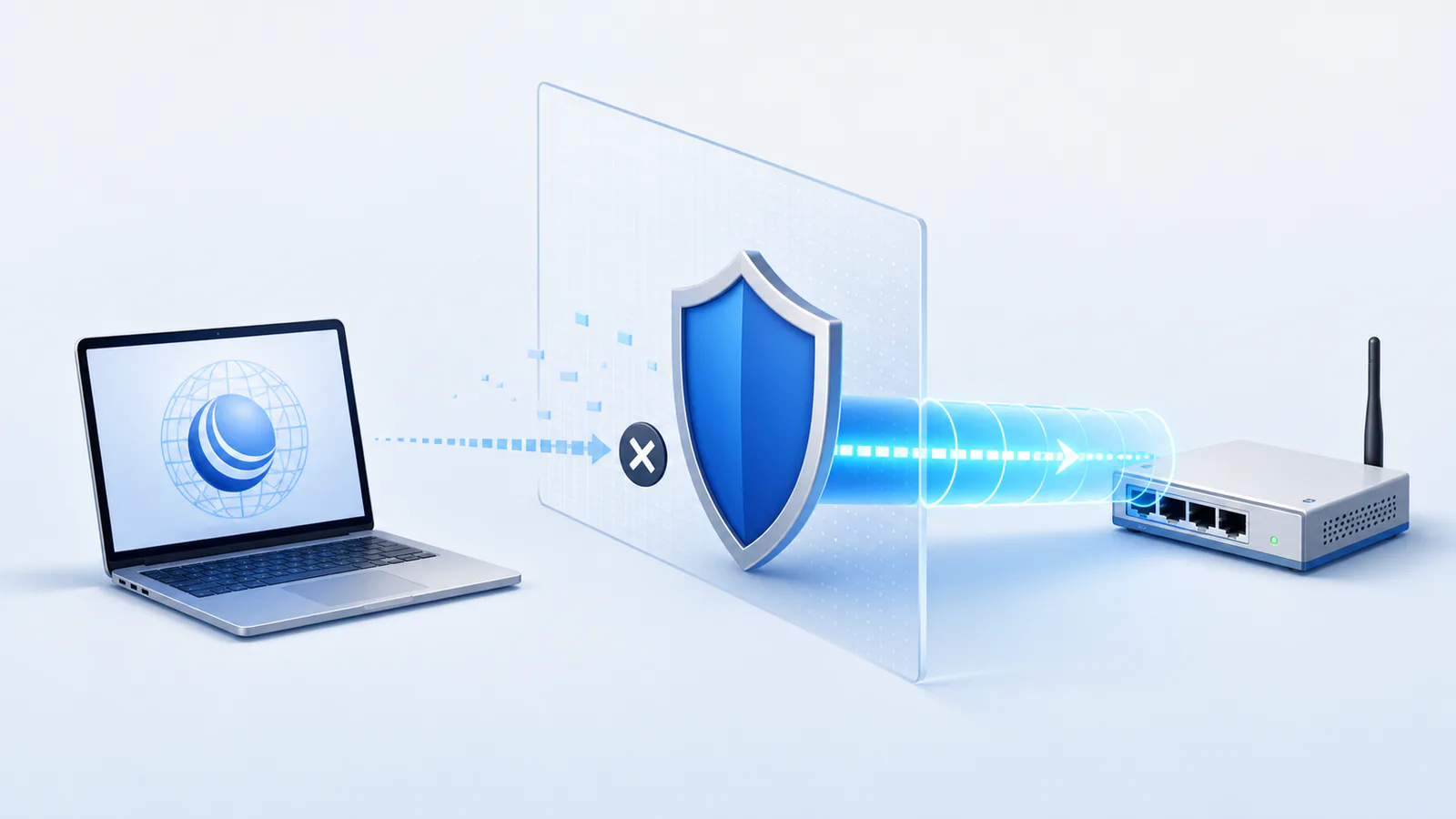
The Problem With Port 8291
Every MikroTik deployment faces the same tension: you need remote Winbox access, but exposing TCP 8291 to the internet invites disaster. Shodan indexes thousands of unprotected Winbox endpoints. Threat intelligence feeds record first-probe times under 60 seconds for newly opened ports. The community workaround — VPN before Winbox — works, but it introduces a relay hop, key management overhead, and a second attack surface.
Wantastic was built to remove the tradeoff entirely.
The Core Principle: Outbound-Only Connections
The fundamental shift is inverting the connection model. Instead of waiting for inbound connections on a well-known port, the MikroTik router establishes an outbound WireGuard tunnel to the Wantastic overlay fabric. The router initiates; nothing listens on the WAN.
Traditional (Inbound):          Wantastic (Outbound-only):

Internet → WAN:8291             Router → Overlay Fabric
[Firewall hole required]        [No WAN port opened]
[Publicly scannable]            [Not reachable from internet]
[Single-point exposure]         [Cryptographically isolated]
Because MikroTik RouterOS v7+ ships with a native WireGuard client, no packages or modifications are needed. You apply a single auto-generated import script from the console, and the router becomes a peer in your private overlay — invisible to the public internet.
How Winbox Traffic Is Carried
When you launch Winbox and connect to your device endpoint on winbox.wantastic.app, the following happens:
- Authentication — Your session is verified (SSO / MFA). No credentials touch the overlay fabric in plaintext.
- Endpoint resolution — The overlay identifies the target device and its current tunnel state.
- Path selection — If both the client and the router can establish a direct P2P WireGuard link (common on typical NAT), traffic flows peer-to-peer with no relay. On restrictive networks (CGNAT, symmetric NAT), the fabric provides a lightweight relay while hole-punching is attempted in the background.
- Winbox session — The native Winbox client connects through the resolved endpoint. Every byte is encrypted end-to-end.
The result: Winbox behaves exactly as if the router is on your local network — because cryptographically, it is.
Performance Comparison
| Access Method | Port Exposure | Encryption | Latency Overhead | Team Access | MikroTik Agent |
|---|---|---|---|---|---|
| Direct port 8291 | Public internet | Proprietary | None | Shared creds | None |
| VPN + Winbox | VPN port | Strong | +15–40 ms relay | VPN accounts | VPN client |
| SSH tunnel | SSH port | Strong | High (double-hop) | Complex | SSH client |
| Wantastic | None | Post-quantum | 0–3 ms P2P | Individual SSO | None |
The latency advantage is architectural. By establishing WireGuard tunnels that terminate at the device rather than at a cloud gateway, Wantastic avoids the "hair-pin" latency that makes relay-based solutions feel sluggish on inter-continental connections.
Multi-Account Winbox Over One Overlay
Multiple engineers can connect to the same router simultaneously through fully isolated per-user Winbox sessions. Each user's traffic rides a cryptographically distinct tunnel, enforced at the overlay layer — not just at the firewall level.
Reference: WireGuard's cryptokey routing model, described in Jason Donenfeld's 2017 NDSS paper "WireGuard: Next Generation Kernel Network Tunnel", provides the cryptographic isolation primitive Wantastic builds on. Available at wireguard.com/papers.
RoMON Support
Wantastic routes RoMON discovery traffic through the overlay, letting you discover and manage downstream MikroTik devices that are not directly connected to the overlay — a significant advantage for ISP deployments where CPE devices sit behind aggregation routers.
Getting Started
- Create a free Wantastic account (no credit card required)
- In the console, add a device and copy the import script
- Paste the script into your MikroTik terminal (
/import) - Done — Winbox access is live within seconds
No open ports. No VPN server to maintain. No shared passwords.