
01RouterOS 7 原生 WireGuard
原生 RouterOS 接入,无需路由器软件包
MikroTik 设备使用 RouterOS 7 内置的 WireGuard 客户端加入,让现场安装简单且可回滚。
粘贴生成的 RouterOS 脚本,让路由器发起出站连接,避免在 MikroTik 硬件上安装自定义二进制文件。
RouterOS 7 原生 WireGuard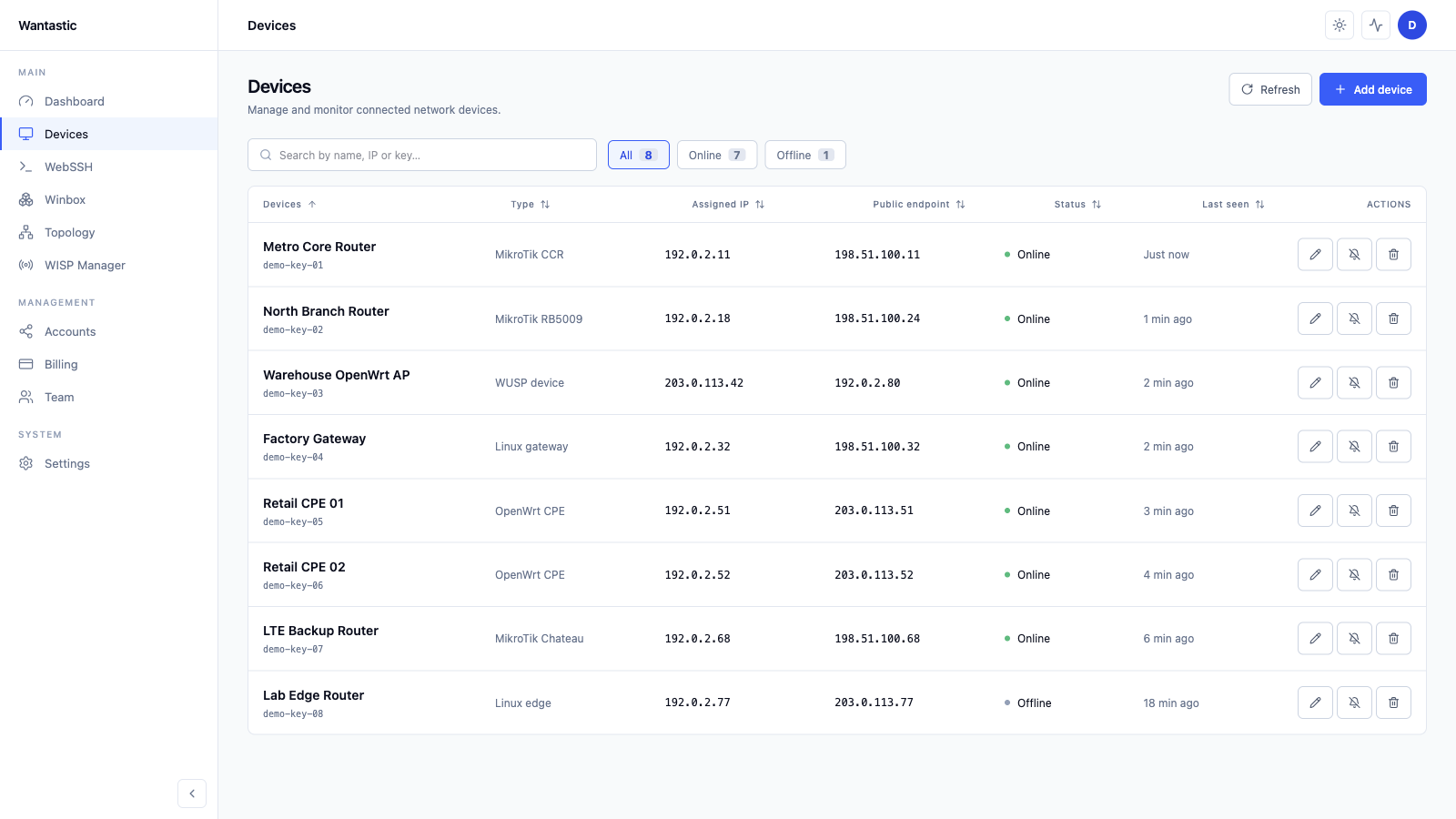
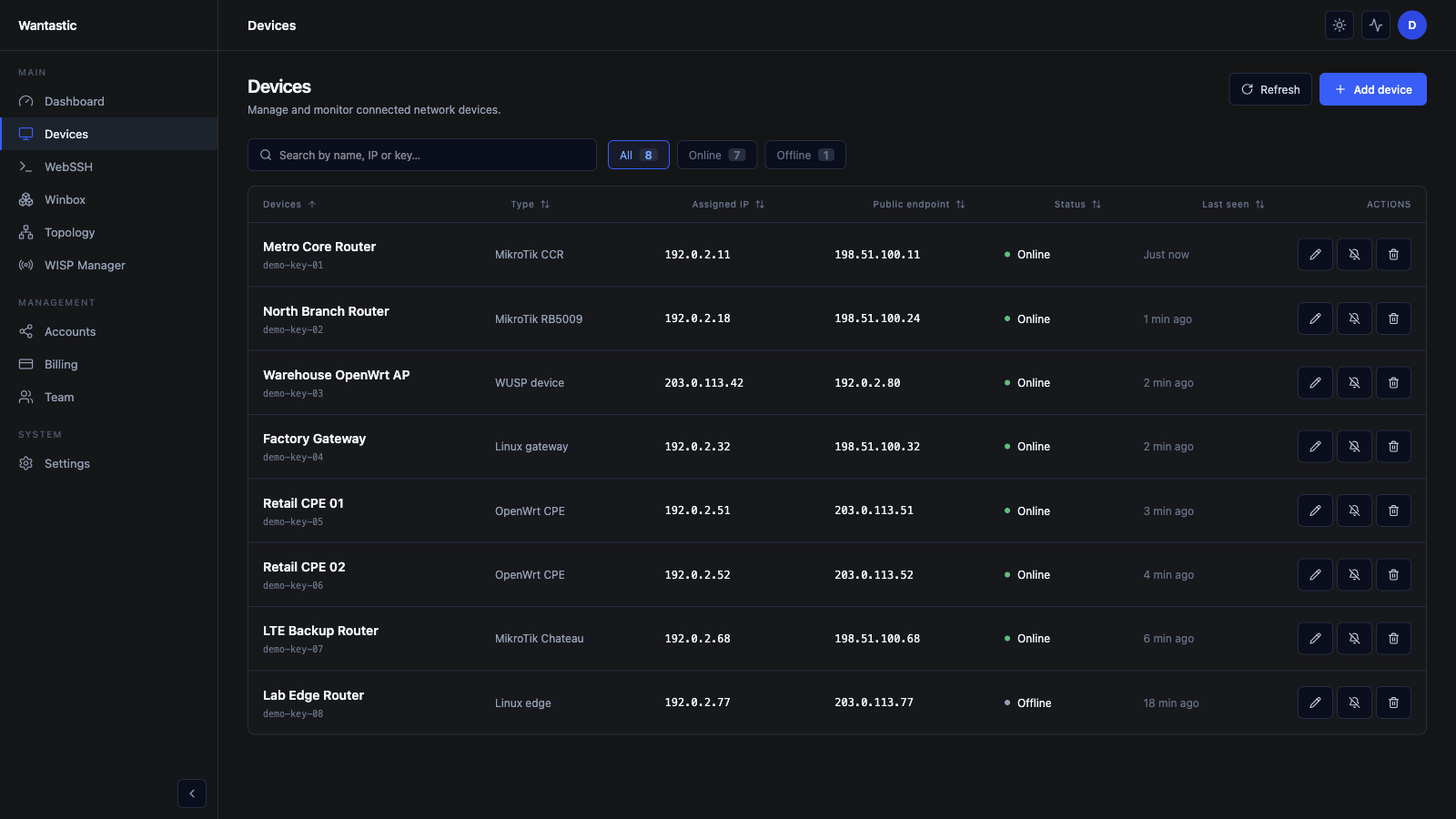
Wantastic USP over WireGuard 在现有加密隧道内传输设备管理操作,无需暴露额外的管理套接字,也无需建立第二套信任层。
控制传输路径
紧凑、类型化且仅限隧道
USP 操作
CRUD、操作与通知
WUSP 信封
方法 + 关联 ID
控制分片
MTU 安全的二进制帧
WireGuard 数据包
经认证的加密隧道
控制传输
Noise 分片数据报
默认有效载荷
1200 字节
运行时模型
TR-181 Device:2.20
WUSP 是为 Wantastic 中的 USP 语义专门设计的私有传输协议,并非可直接替换的 Broadband Forum 标准 USP 消息传输协议。
面向服务器、桌面、OpenWrt 路由器和嵌入式 IoT 设备的轻量 WireGuard Mesh 守护进程,支持 WUSP 管理和工厂 QR 认领。
一个服务模型覆盖现代系统、旧式 init 系统和嵌入式 Linux。
无界面认领、BusyBox 支持和紧凑二进制文件,适合工厂部署。
通过同一条经认证的 WireGuard 隧道启动 USP 风格管理。
/ # wantasticd genkey
复用现有设备认领密钥: /usrdata/wantastic/etc/device-claim-key.json
Public key: 0vNwglyJYpPOgsg9Q/AJgj7ke/48CUhWUXMQuRDG8yQ=
稳定设备密钥
仅生成一次并保存在制造商镜像中。
客户认领
扫描印刷的 QR 码以分配设备。
Mesh 上线
创建 wantastic0 并建立 WireGuard 对等连接。
管理启动
加载运行时模型并初始化 WUSP。
工厂认领标签
可直接印刷的制造商图稿

扫描以认领此设备
登录 Wantastic 并扫描此码,设备将自动配置安全管理隧道。
ID · 0vNwglyJYpPO…RDG8yQ
公钥可以印刷。私有认领密钥 JSON 必须保留在设备上,绝不能印在标签中。
平台与设备类别
已发布架构目标
One operating layer
远程 Winbox、WebSSH、WebProxy、监控、团队访问和策略,统一在一个管理层中,服务于位于 CGNAT、LTE、Starlink 或受限防火墙后的 MikroTik、OpenWrt、Linux、Windows 与 Android 设备群。
MikroTik 设备使用 RouterOS 7 内置的 WireGuard 客户端加入,让现场安装简单且可回滚。
粘贴生成的 RouterOS 脚本,让路由器发起出站连接,避免在 MikroTik 硬件上安装自定义二进制文件。
RouterOS 7 原生 WireGuard每个账号都有隔离的路由和策略,让设备可以被操作,但不会因为某人加入 VPN 就默认被信任。
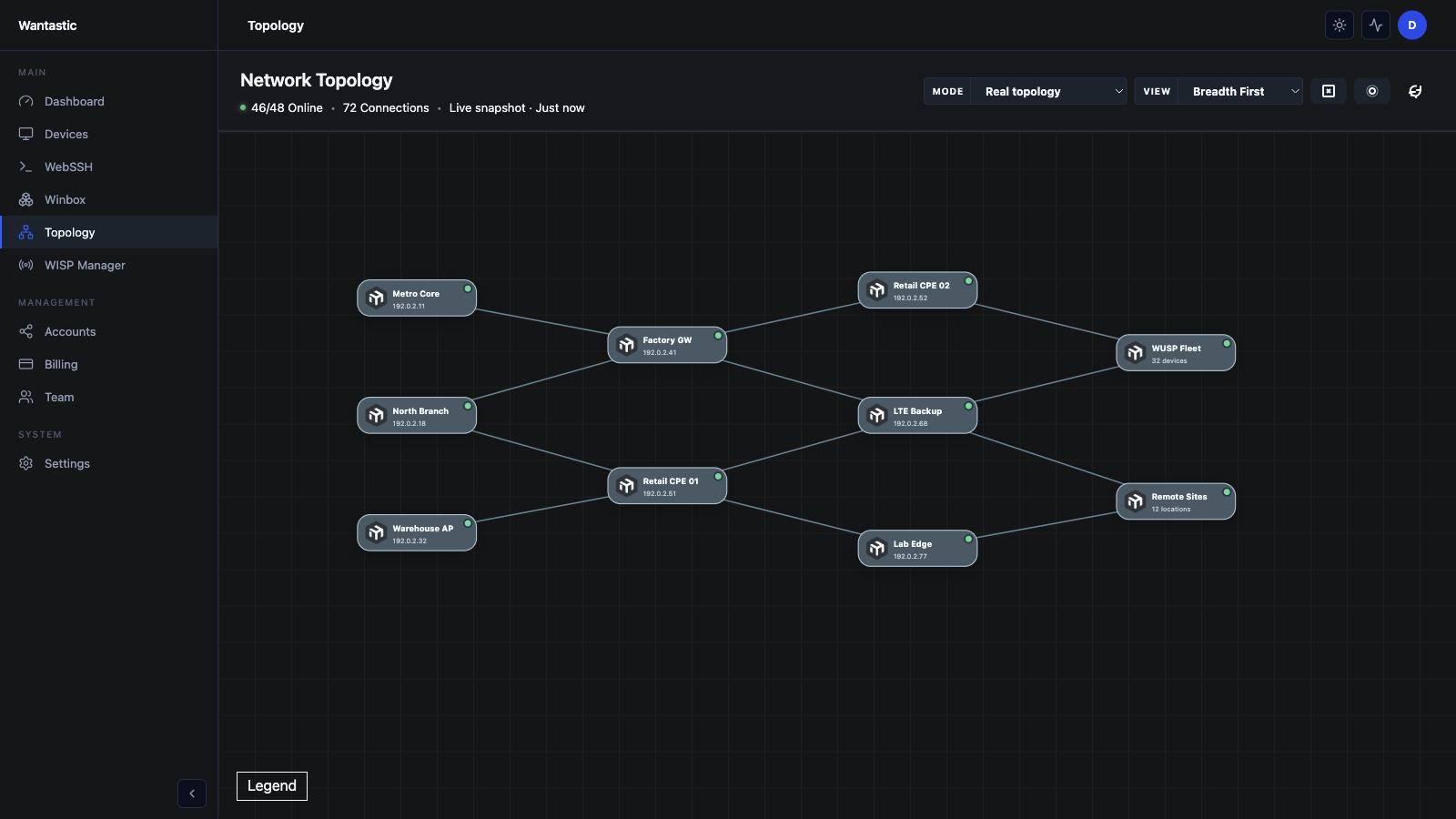
尽可能使用 P2P 路径,必要时才使用 Relay,并通过拓扑和 ACL 明确设备间通信。
隔离虚拟路由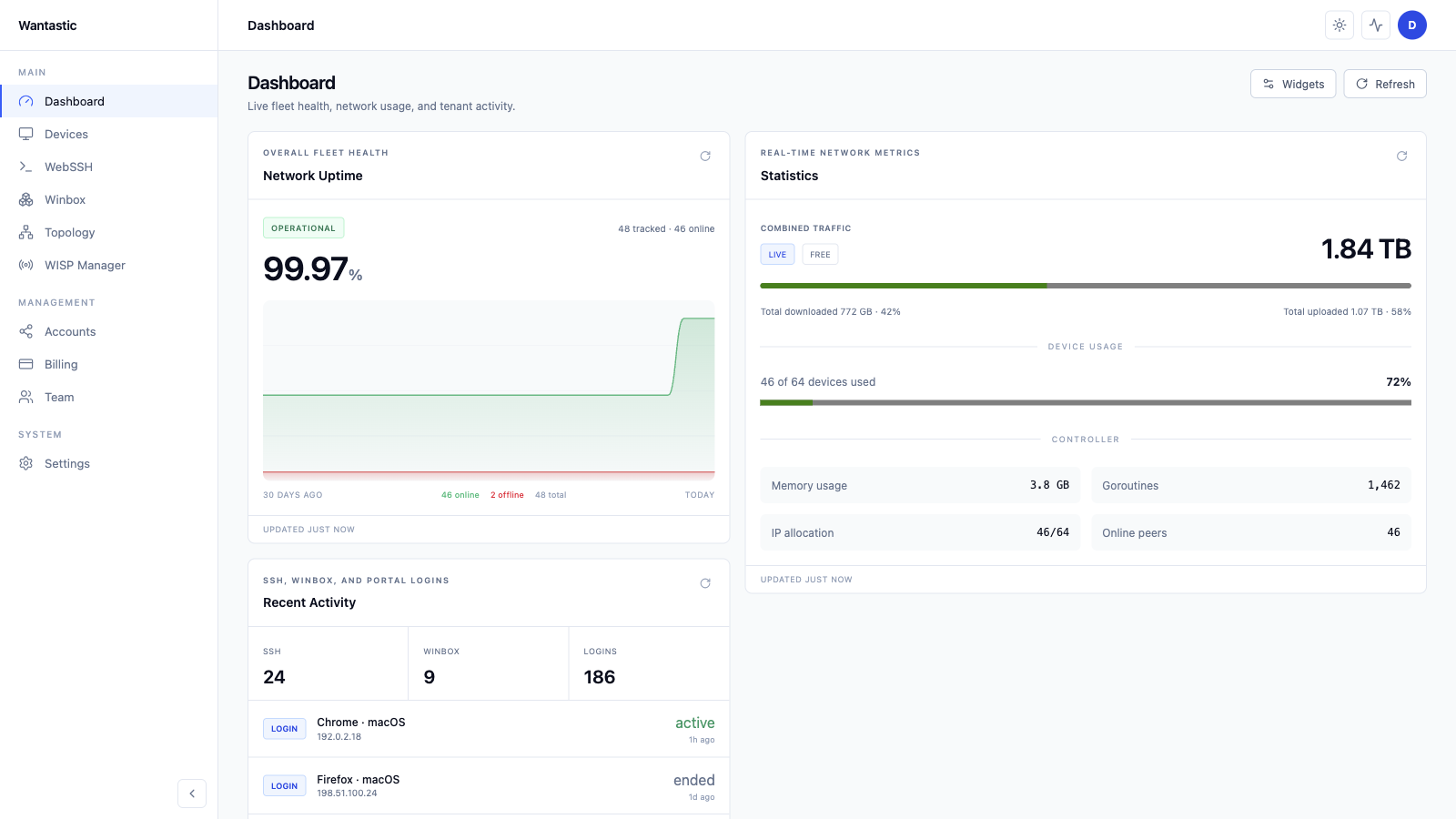
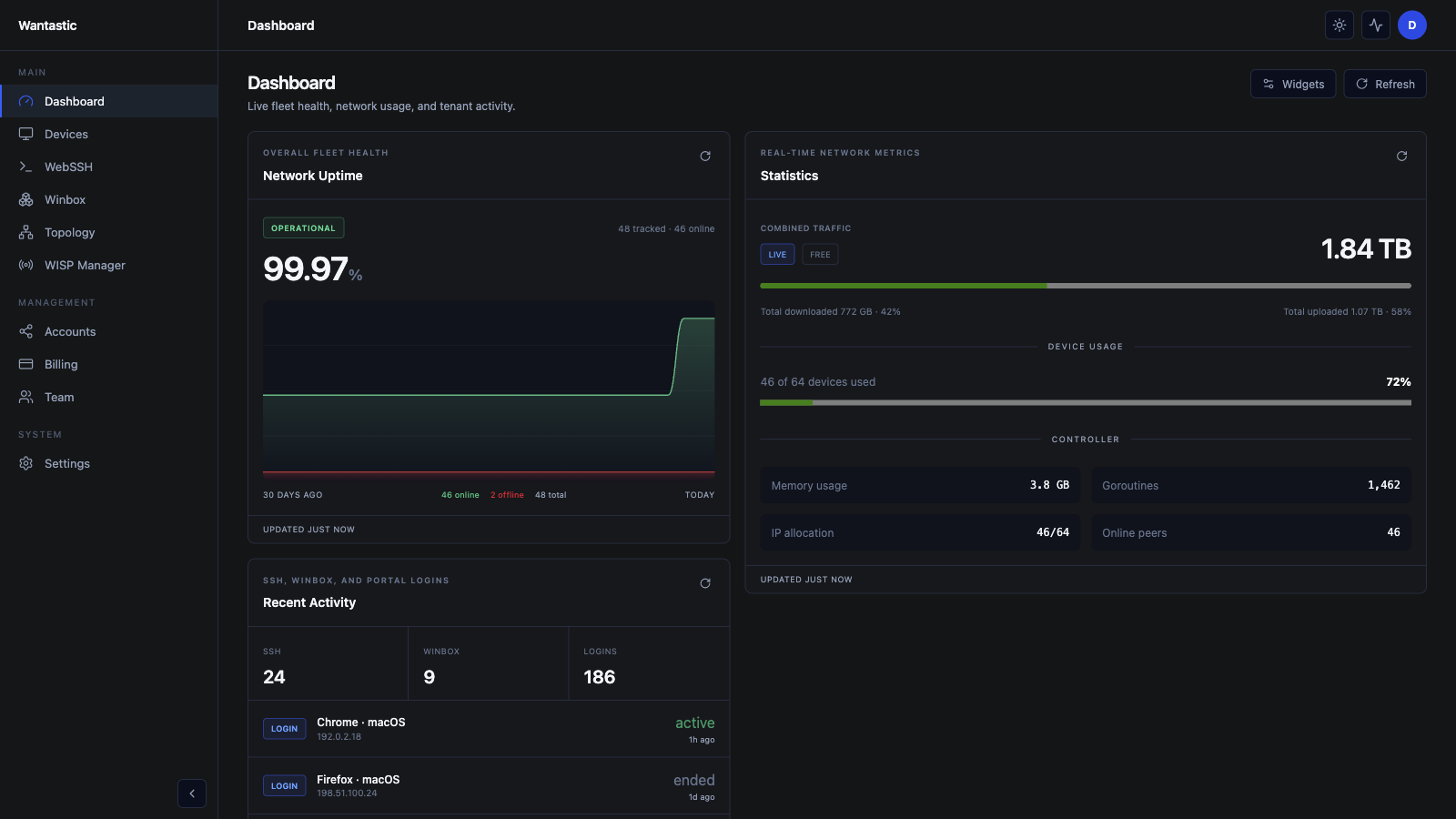
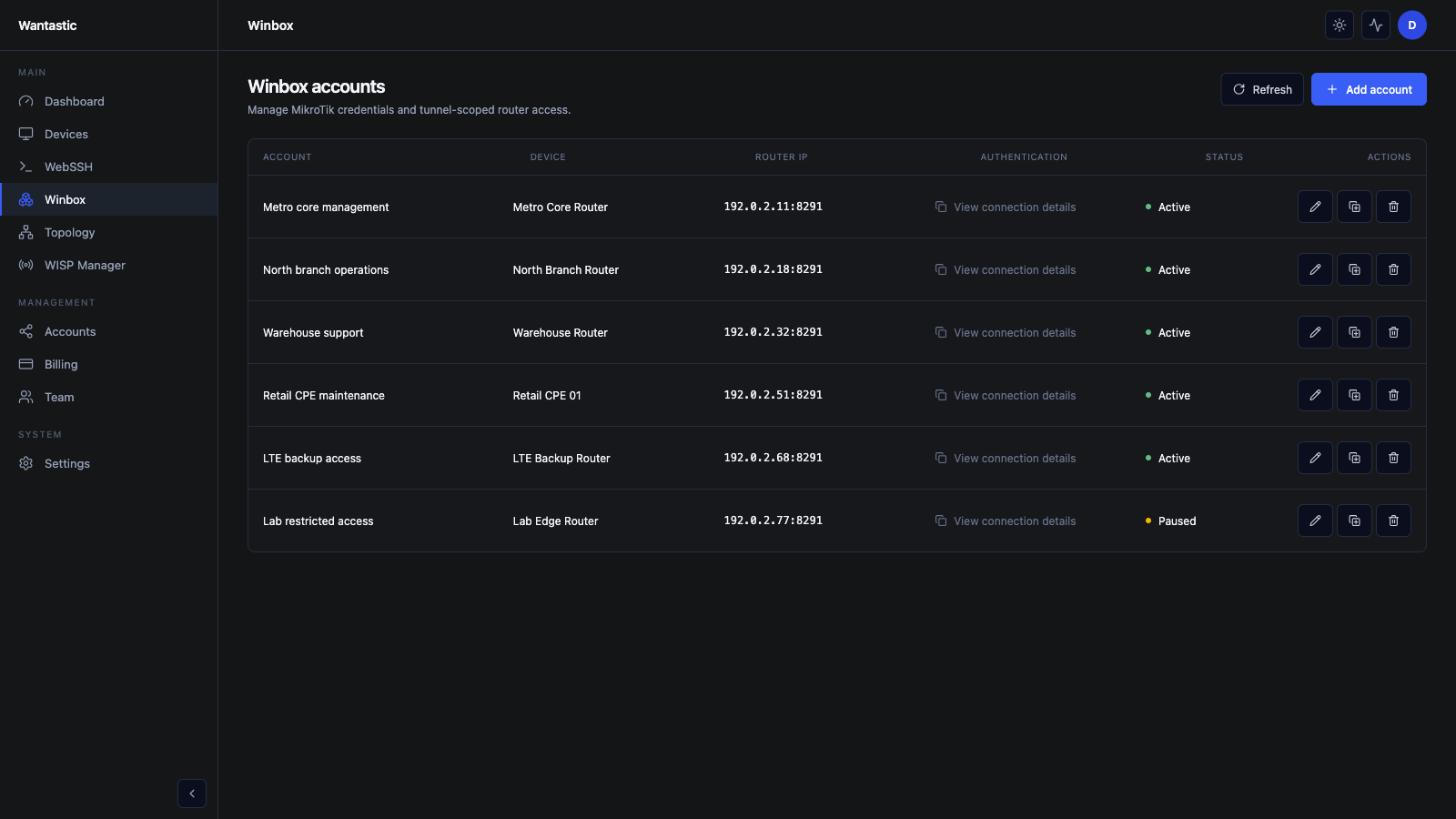
通过托管的 Overlay 端点访问 MikroTik 路由器,而不是把 Winbox 暴露给扫描器或依赖脆弱的跳板机。
为每位技术人员提供受控会话,轮换托管凭据,审计访问,并保留用于下游设备的原生 RoMON 工作流。
安全 Winbox + RoMON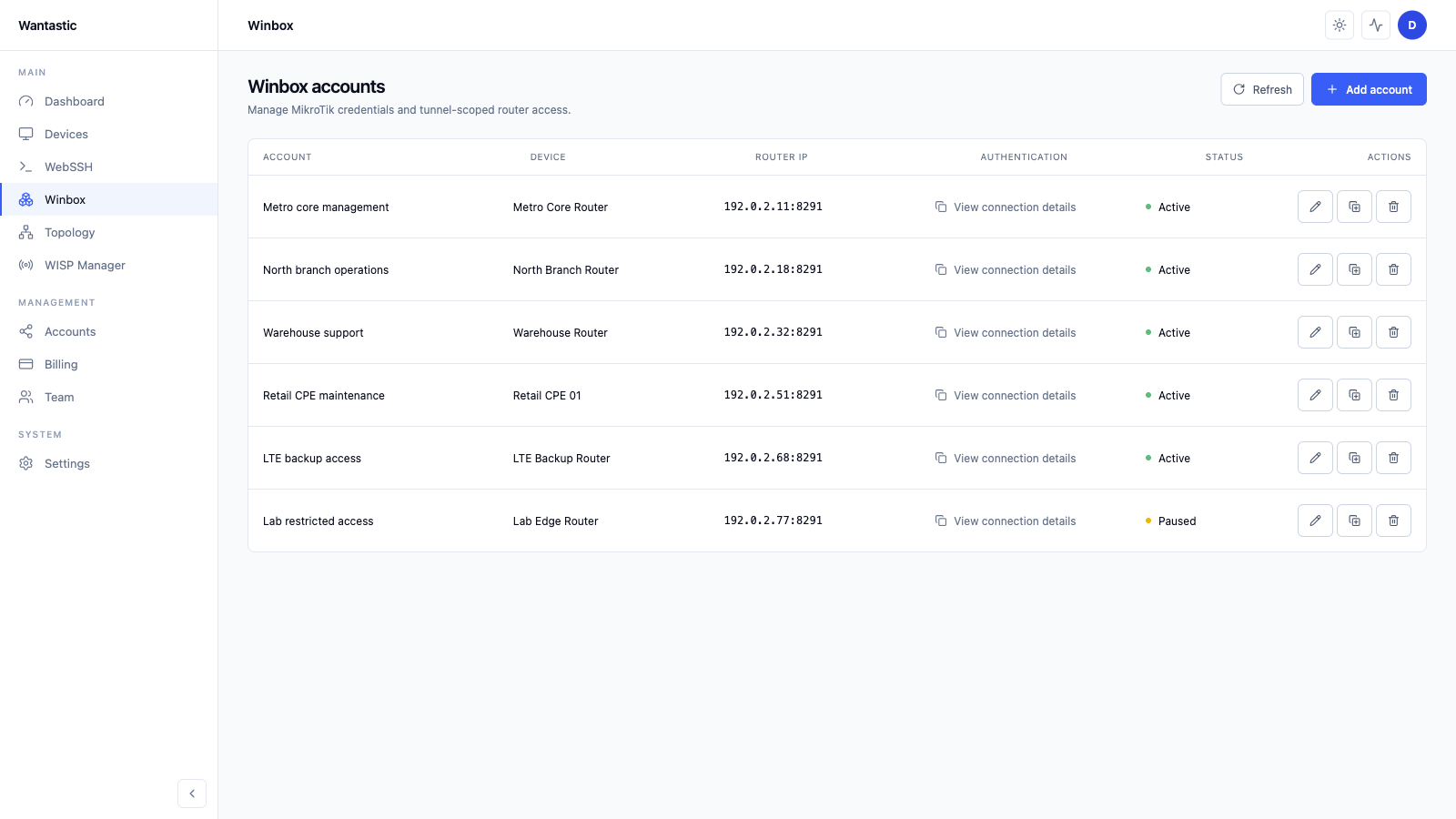
不要再为了修复客户站点而传递管理员密码、VPN 文件或永久跳板机访问。
邀请团队成员,仅授予需要的工作流,跟踪会话,并集中撤销访问,无需改写每台路由器。
按用户访问控制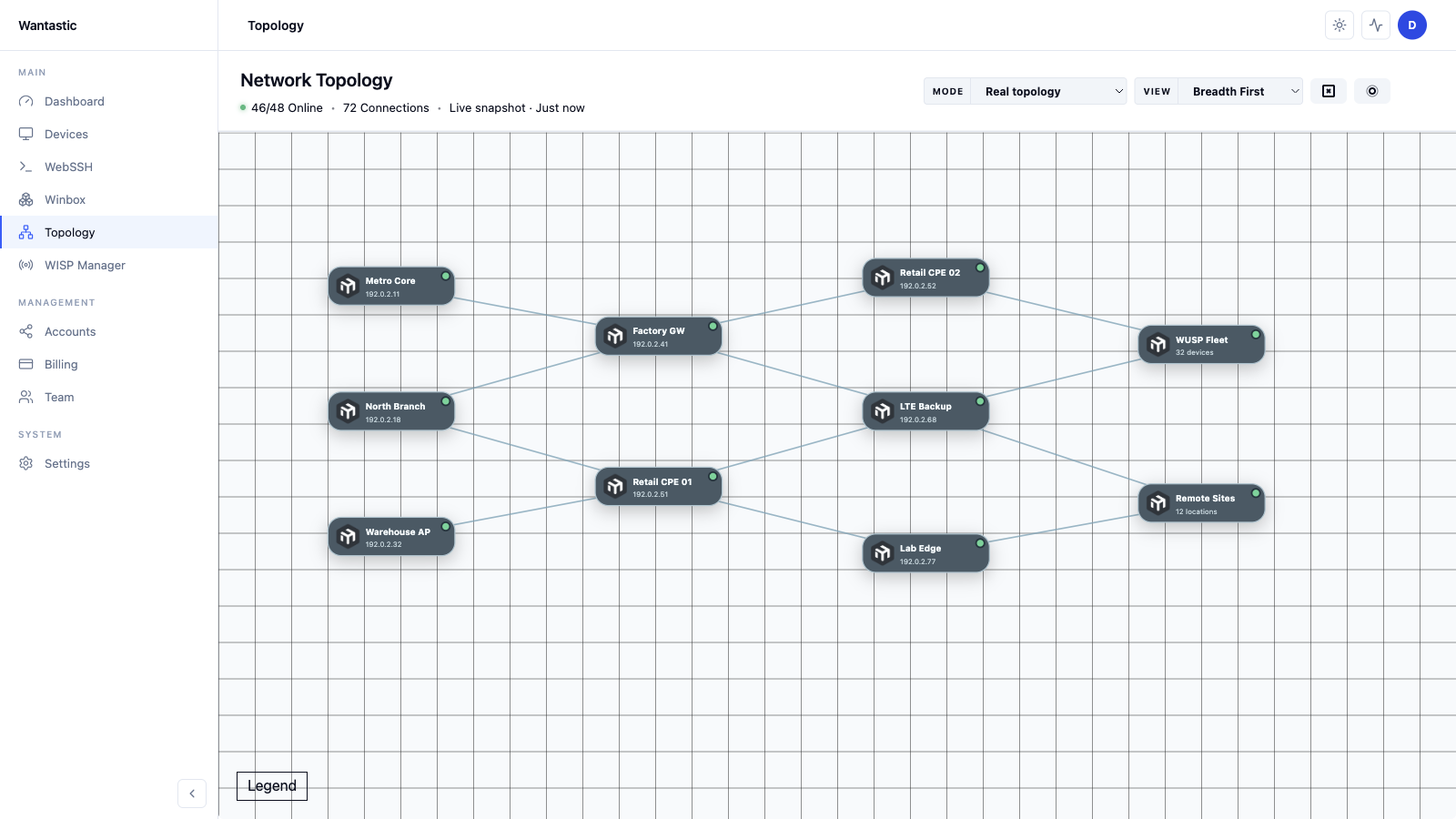
从门户打开 SSH 终端和内部 Web UI,让支持工作可以在任何可信浏览器中完成。
使用 WebSSH 进行 Shell 访问,使用 WebProxy 访问仅限 LAN 的 HTTP/HTTPS 界面,并使用持久会话支持多任务。
WebSSH + WebProxy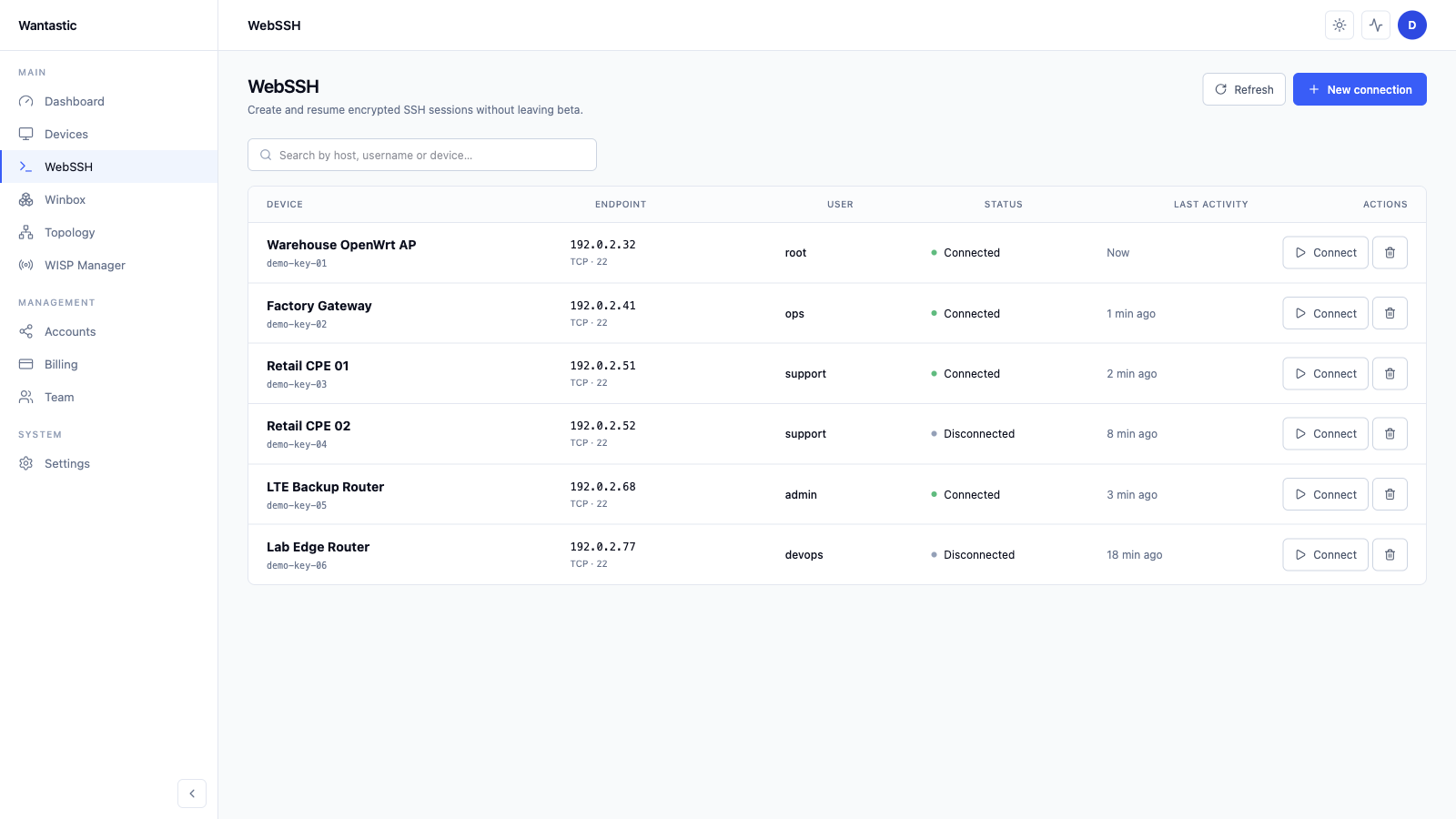
WantasticCore 是 MIT 许可的自托管 WireGuard Mesh 门户,wantasticd 连接 Linux、OpenWrt、macOS 和 Windows 设备。
需要快速上线时使用托管控制台;当客户、合规或实验室需要控制平面所有权时,运行开源核心。
WantasticCore + wantasticd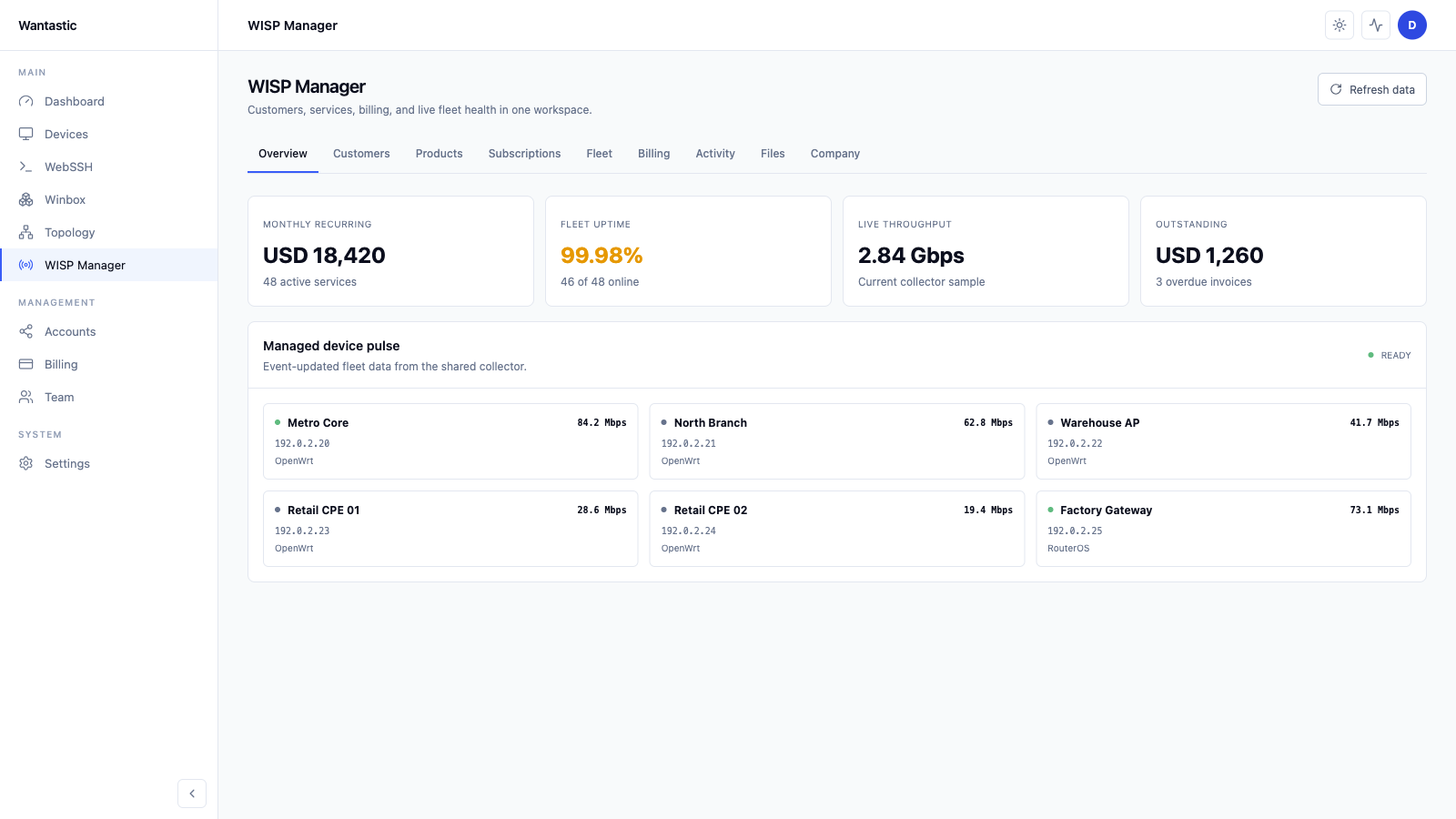
From endpoint to console
Wantastic 围绕真实支持流程构建:连接设备、隔离设备、授予访问,然后在浏览器中工作。
出站优先接入
使用原生 WireGuard 连接 RouterOS,或在 OpenWrt 和 Linux 上安装 wantasticd。设备主动发起连接,因此 CGNAT 和动态 ISP 链路不再是阻碍。
策略感知路由
设备加入隔离 Overlay,访问是明确授权的。技术人员可访问需要的工作流,而不是加入扁平私有网络。
最小权限运维
在门户中建模组、链路和协议级规则。授予 Winbox、SSH 或 Web 界面访问,而不分发永久网络密钥。
Winbox, WebSSH, WebProxy, WUSP
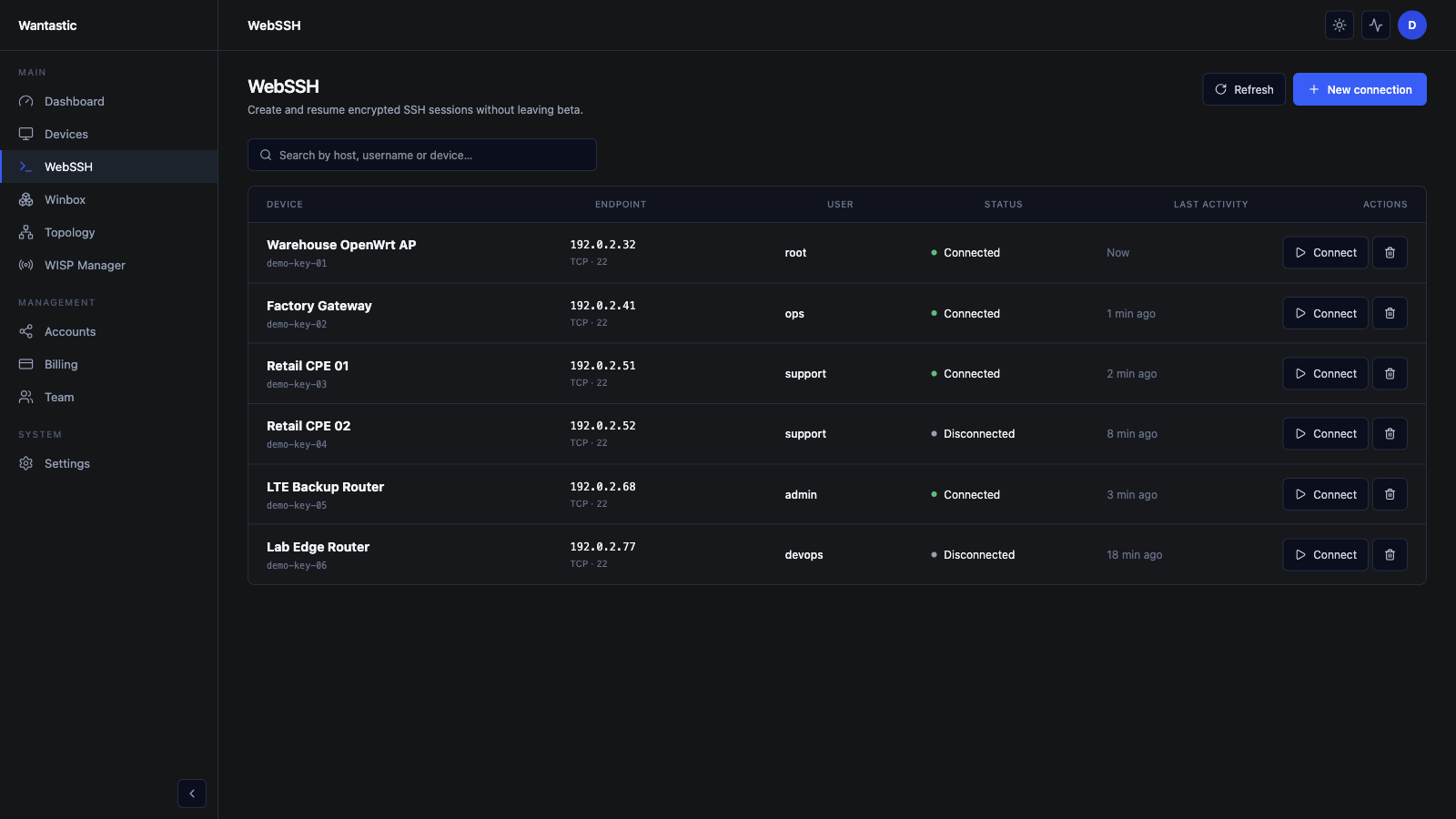
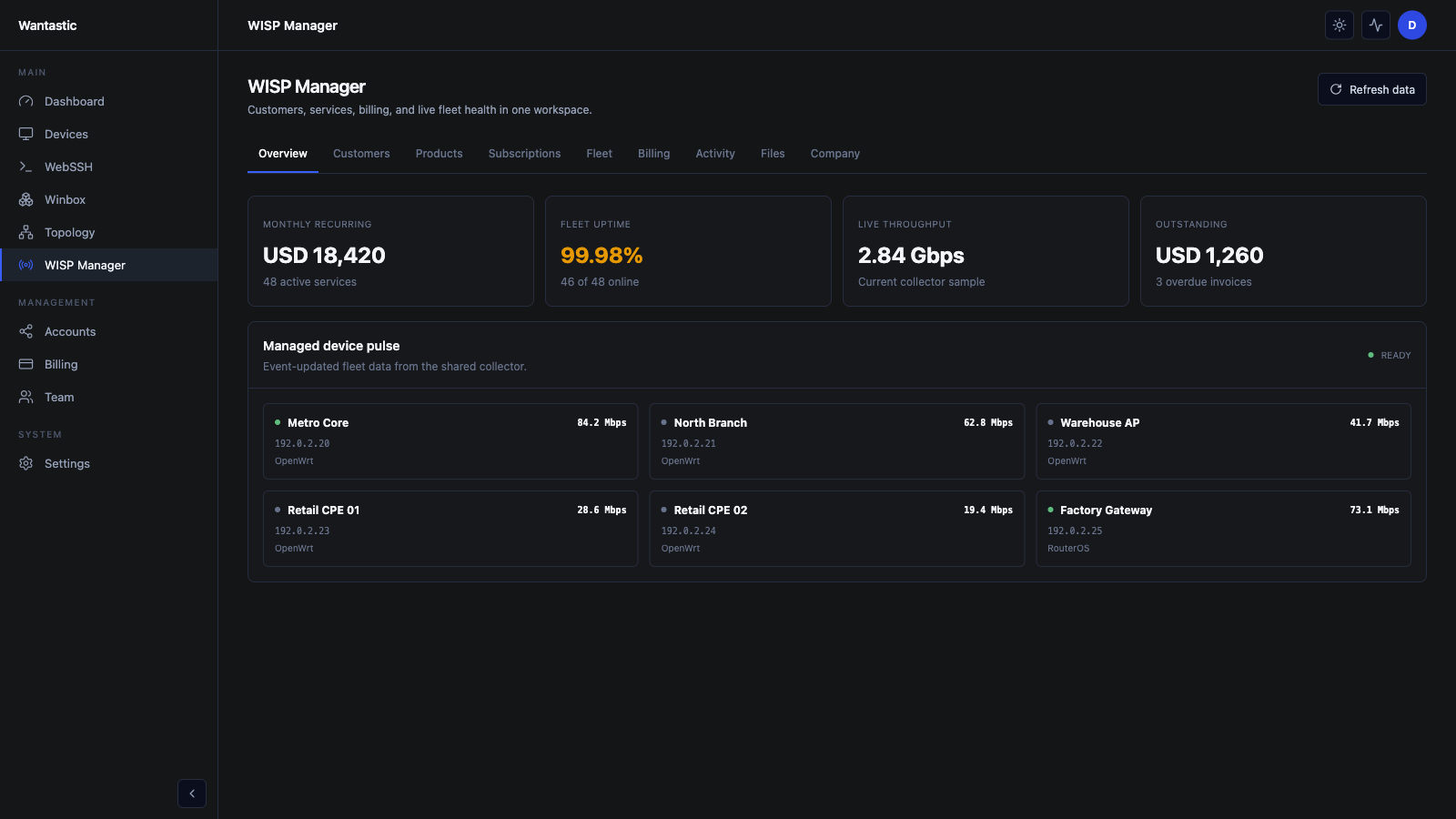
从同一控制台启动 Winbox 访问、持久 WebSSH、仅 LAN Web 界面、监控和 WUSP 式设备控制。
Field notes from operators solving remote Winbox, CGNAT, OpenWrt and browser-based support workflows.
“The real win is not having to expose Winbox or maintain a separate VPN path for every customer site. Devices behind CGNAT are reachable from the console, and the support workflow is much cleaner.”
Mar 2025“Remote Winbox over the overlay solved the annoying Starlink and NAT problem for MikroTik support. I can keep native Winbox and RoMON habits without opening ports at the customer edge.”
Feb 2025“wantasticd makes the Linux and OpenWrt side feel like part of the same management plane. That matters when a site has routers, small servers, and embedded devices on unreliable LTE links.”
Jan 2025“The team access model is the feature I care about most. I can stop handing out shared router credentials and give technicians the exact workflows they need for a device.”
Dec 2024“I used to maintain a WireGuard jump server just to reach routers. Wantastic gives me the tunnel, the browser tools, and the device list in one place, which is the part generic VPN tools miss.”
Nov 2024“The P2P-first design is the right architecture for interactive work. When a direct path is possible, Winbox and SSH feel much better than a relay-only remote access stack.”
Oct 2024“The free plan was enough to test the real workflow: add a router, connect through Winbox, try WebSSH, and see whether it fits support operations before rolling it wider.”
Sep 2024“The open-source direction changed how I looked at the product. WantasticCore and wantasticd make it possible to inspect the architecture instead of trusting a black-box remote access service.”
Aug 2024Practical answers about remote Winbox, CGNAT, OpenWrt, Linux, Windows, Android, WebSSH and self-hosted WantasticCore.