Can Winbox stay private and still be remotely accessible?
Yes. The MikroTik router initiates an outbound WireGuard connection to the management overlay. Winbox remains reachable through that private path, while the WAN firewall keeps TCP 8291 closed.
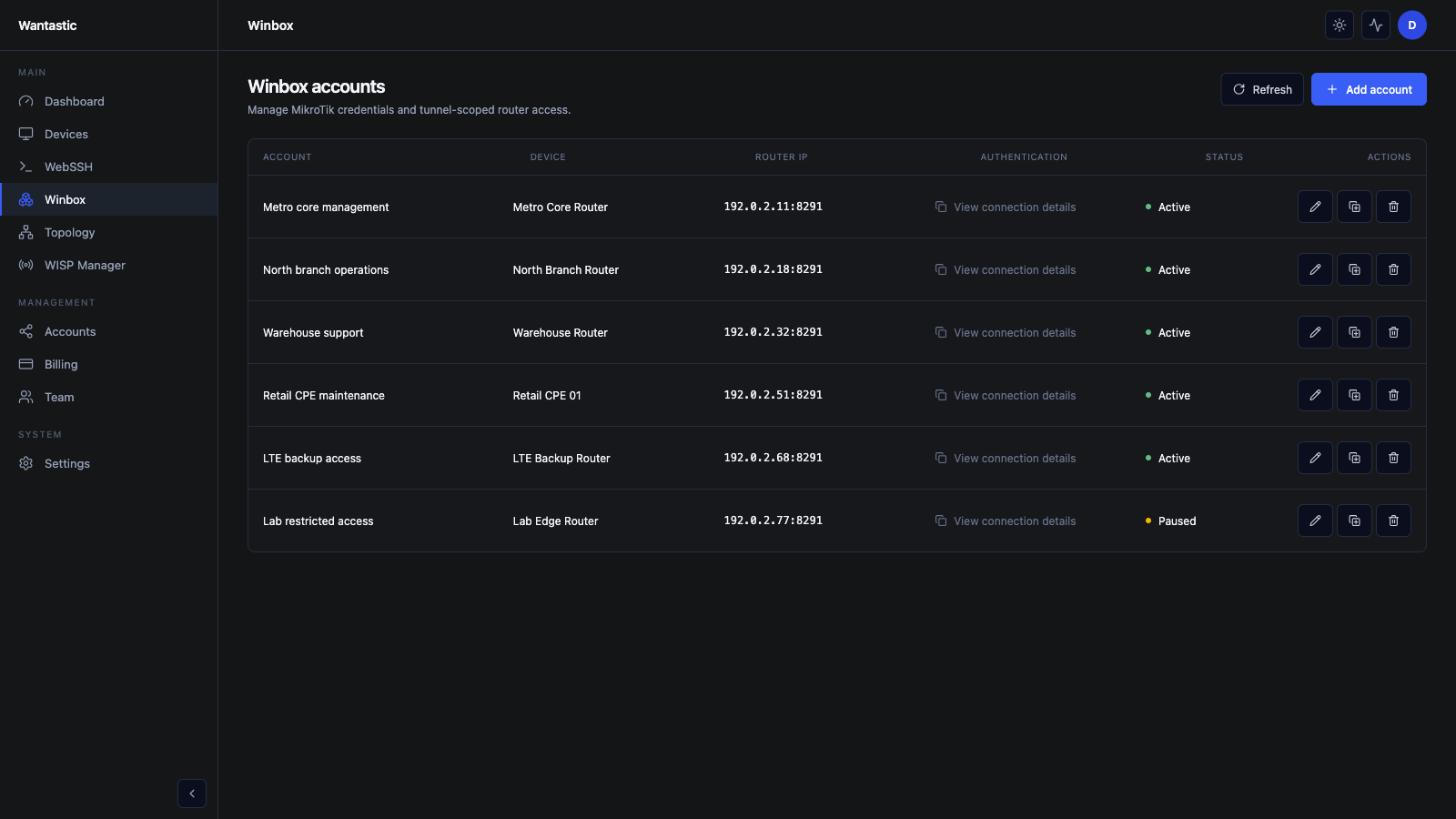 Live beta UI with sanitized demo data
1. Add the MikroTik device
Open Devices → Add device and enter:
- a recognizable device name;
- an automatic or planned overlay IP;
- only the allowed networks needed for operations.
Create the device and open its configuration. RouterOS 7 has a native WireGuard client, so do not install wantasticd on the router. Apply the generated RouterOS configuration or import script, then wait for the device to show online.
2. Keep the WAN firewall closed
Confirm there is no public destination NAT or input rule exposing port 8291. The expected path is:
Technician → Wantastic access endpoint → WireGuard overlay → RouterOS Winbox
The router makes the outbound connection. Dynamic ISP addresses, Starlink, and most CGNAT deployments therefore do not require an inbound firewall change.
3. Create a managed Winbox account
Open Winbox → Add account and select the target router. Use a dedicated router credential with the minimum RouterOS permissions required by that role.
After saving, the account row shows the device, router address, status, and View connection details action. Do not publish the router password or reuse the same credential for every customer site.
4. Give a technician the connection details
Select View connection details. The technician uses the issued Wantastic endpoint rather than the router's public address. Their browser and portal identity remain separate from the router credential managed for the session.
Test the path from a network outside the site:
- confirm the router is online in Devices;
- open the Winbox connection details;
- connect with the native Winbox client;
- verify no public 8291 listener is reachable on the router WAN;
- end the session and confirm activity is recorded.
5. Add team access safely
Invite technicians under Team and grant only the workflows they need. Prefer individual portal accounts, MFA, managed Winbox credentials, and central revocation over shared VPN files or shared router passwords.
If Winbox cannot connect, check the RouterOS peer handshake, overlay routes, the router's local Winbox service, the managed account status, and the allowed networks. Opening port 8291 is not a troubleshooting step.